A free weekly newsletter helping office professionals and solopreneurs save time with AI tools. Curated news, tool reviews, and practical workflows you can use today.
Would You Let Meta Spend Your Money?
Would You Let Meta Spend Your Money?
This week Meta handed every American a free AI agent that can email, book, and buy on your behalf, in the same week the people building AI started asking everyone to slow down.
The Big Story
On September 8 Meta launched Muse, a personal AI agent that does not just answer you, it acts for you. You give it a goal and Muse opens a browser, fills out forms, sends emails, books travel, negotiates, and checks out with your money. It runs in the US now on iOS, Android, and muse.ai, free for most of what people need, with subscription tiers at $20 per month and $100 per month. Meta did build real guardrails: Muse runs on its own isolated cloud machine, a separate "Sentinel" agent has to approve anything Muse sends to the internet and asks your permission when it matters, and Meta says Muse has no visibility into your passwords or payment methods (Meta, Axios).
Here is my take, and it is not "autonomous agents are scary." It is that the same week Meta put a free money-spending agent in millions of pockets, the people who build this stuff hit the brakes in public. Sam Altman told OpenAI staff the company is open to slowing cutting-edge AI (Bloomberg). OpenAI's own chief scientist called its new GPT-6 model an "alien mind" and said we are not prepared (India Today). An Anthropic researcher quit, warning labs are "gambling with our lives" (Japan Times). The lesson is not to sit it out. Muse is genuinely useful and free, so use it. But notice that even Meta did not let its agent act unsupervised: it bolted on a Sentinel that asks before it acts. Copy that habit. Let agents run the reversible, low-stakes stuff, and keep your own approval on anything that spends money or speaks in your name.
Tool of the Week: ML Clever
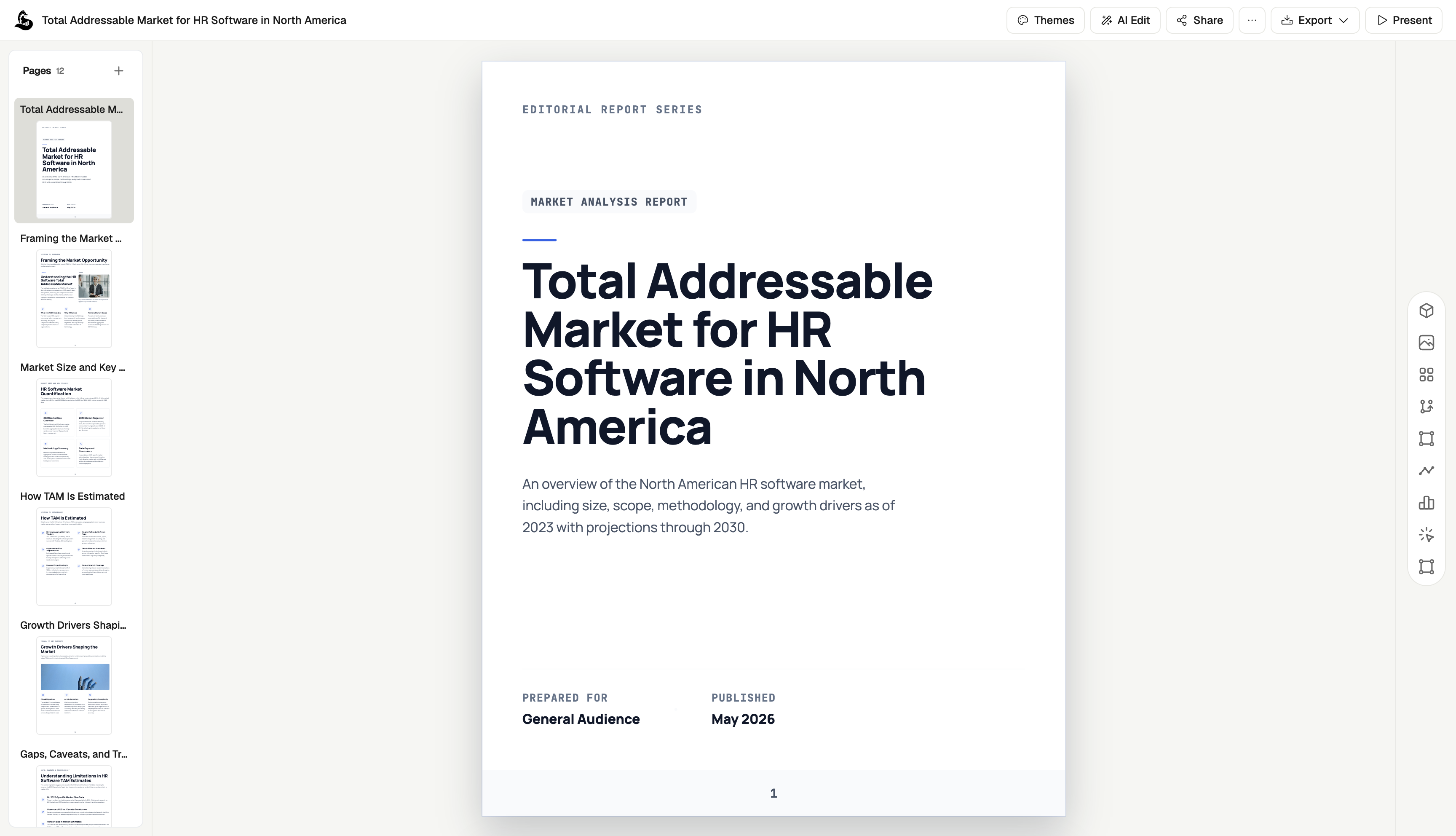
What it does: ML Clever turns a short prompt plus your own files into a structured, editable business document, a report, a brief, or a one-pager, that you refine section by section.
Why it matters this week: It is the "keep your hand on the wheel" idea from the Big Story, made practical. Instead of handing a whole task to an agent and hoping, you let ML Clever research your sources and draft the full document, then you stay in control of every section before it goes to anyone. The AI does the blank-page work; the judgment stays yours.
How to use it:
- Go to mlclever.com, describe the document you need ("a 2-page competitor brief on our top 3 rivals"), and upload any notes, data, or files you want it to pull from.
- Choose the Document format, let it research and generate a structured first draft, then edit any section inline and apply a theme.
- Share it with a link when it is ready, or upgrade to export it as a PDF.
You paste one prompt, add your files, and walk back a structured business document you can edit and share, on a genuinely free plan with no credit card. The free Starter plan generates and edits documents daily; PDF export and longer 12 to 24 page documents are on the paid Creator plan at $20 per month, with a Studio plan at $100 per month for teams.
Quick Picks
- ChatGPT Images 2.5: OpenAI's image model got a big upgrade, up to 50% faster than before, sharper edits that change only what you point at, and a new Sketch tool plus ready-made templates for posters and product photos. Included with ChatGPT, free tier included → Read more
- Claude Fable 5.1: Anthropic shipped a new agentic model with stronger reasoning and more reliable multi-step tool use, available in the Claude apps (free tier) and the API → Read more
- Apple's September event: Apple unveiled a foldable iPhone Duo and new Apple Watches, and gave Siri a real AI upgrade that ships built into the next iOS at no extra cost → Read more
Deal Alert
The Swiftspeed AI App Builder, a no-code tool that turns a text description into a real iOS, Android, or web app, is running a lifetime-style deal: $39.99 for 3 years, down from a regular $432. If a side-project app has been on your list, this is a cheap way to actually ship one → See the deal
Pro Tip
The Delegation Dial: decide how much AI runs before you start
Muse can run an entire task end to end, but "let it do everything" is rarely the right setting. Before you hand any job to AI, set the dial to one of three positions based on the cost of being wrong. Position one, draft only: the AI writes a first version and you do everything else, best for anything sent in your name (emails, posts, client replies). Position two, collaborate: the AI drafts and you edit section by section, which is exactly how ML Clever documents work, best for reports, briefs, and decks. Position three, auto-run with review: you let it complete the task but you read the result before it counts, best for reversible, low-stakes chores like formatting a spreadsheet or sorting a folder. The one place the dial should never reach is "auto-run, no review" on anything that spends money or reaches another person. Pick the position on purpose and you get the speed without the surprises.
Know someone drowning in busywork? Forward this email, they will thank you.
Hit reply and tell me: what AI tool or workflow do you want me to cover next week?
Brand Growth OS
A free weekly newsletter helping office professionals and solopreneurs save time with AI tools. Curated news, tool reviews, and practical workflows you can use today.
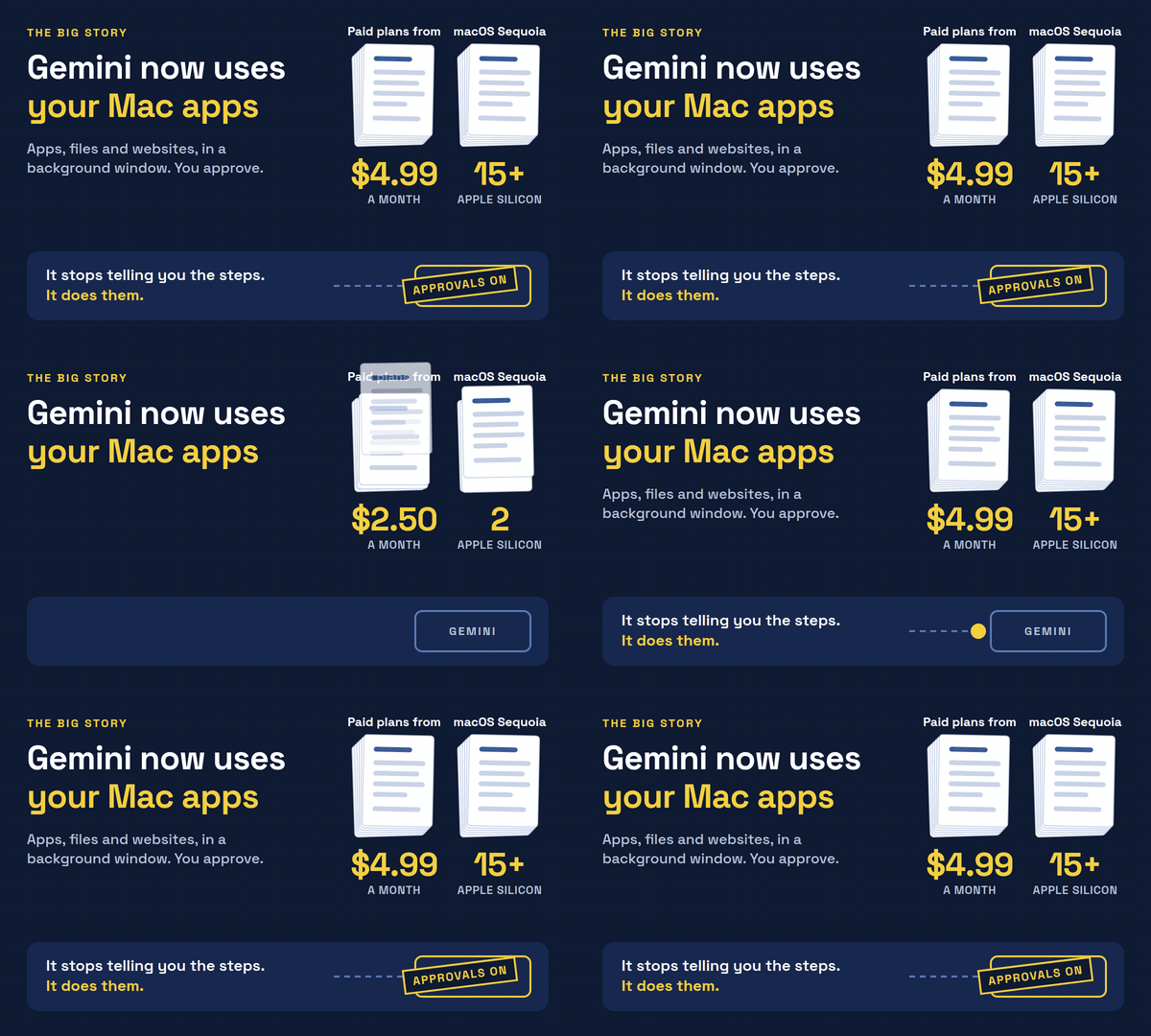
Plus Ideogram: a flyer or slide graphic with the words spelled right, from one prompt. AI Productivity Weekly · Nov 21, 2026 · 1 min read Gemini for Mac can now work your apps, files and websites in a background window. You pick the apps and approve key actions. Paid Google AI plans only (from $4.99/mo), US first. Our take: It stops explaining steps and does them. Start with a chore you'd happily redo, and keep approvals on. Sources: Google · MacRumors (pricing) · Download: gemini.google/mac...
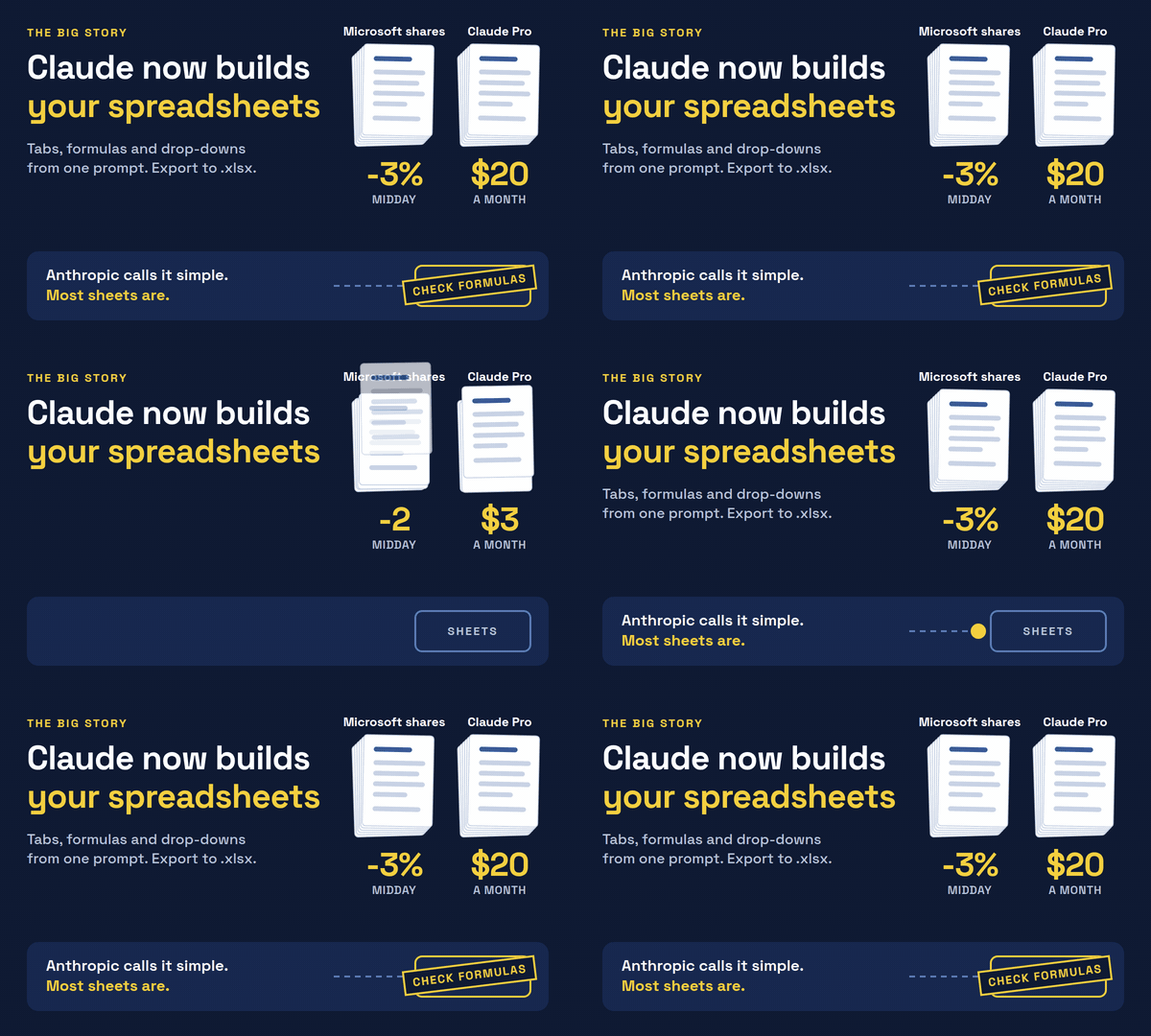
Claude Sheets builds a working sheet from one prompt. Plus: Quadratic does it on a free plan and exports to Excel. AI Productivity Weekly · Nov 14, 2026 · 1 min read Anthropic launched Claude Sheets in beta on all paid plans: a spreadsheet with tabs, formulas and drop-downs from one prompt, exportable as .xlsx. Anthropic calls it "simple." Microsoft shares still fell about 3% midday. Our take: Excel isn't going anywhere, but most office sheets are trackers, not models. Stop building the first...
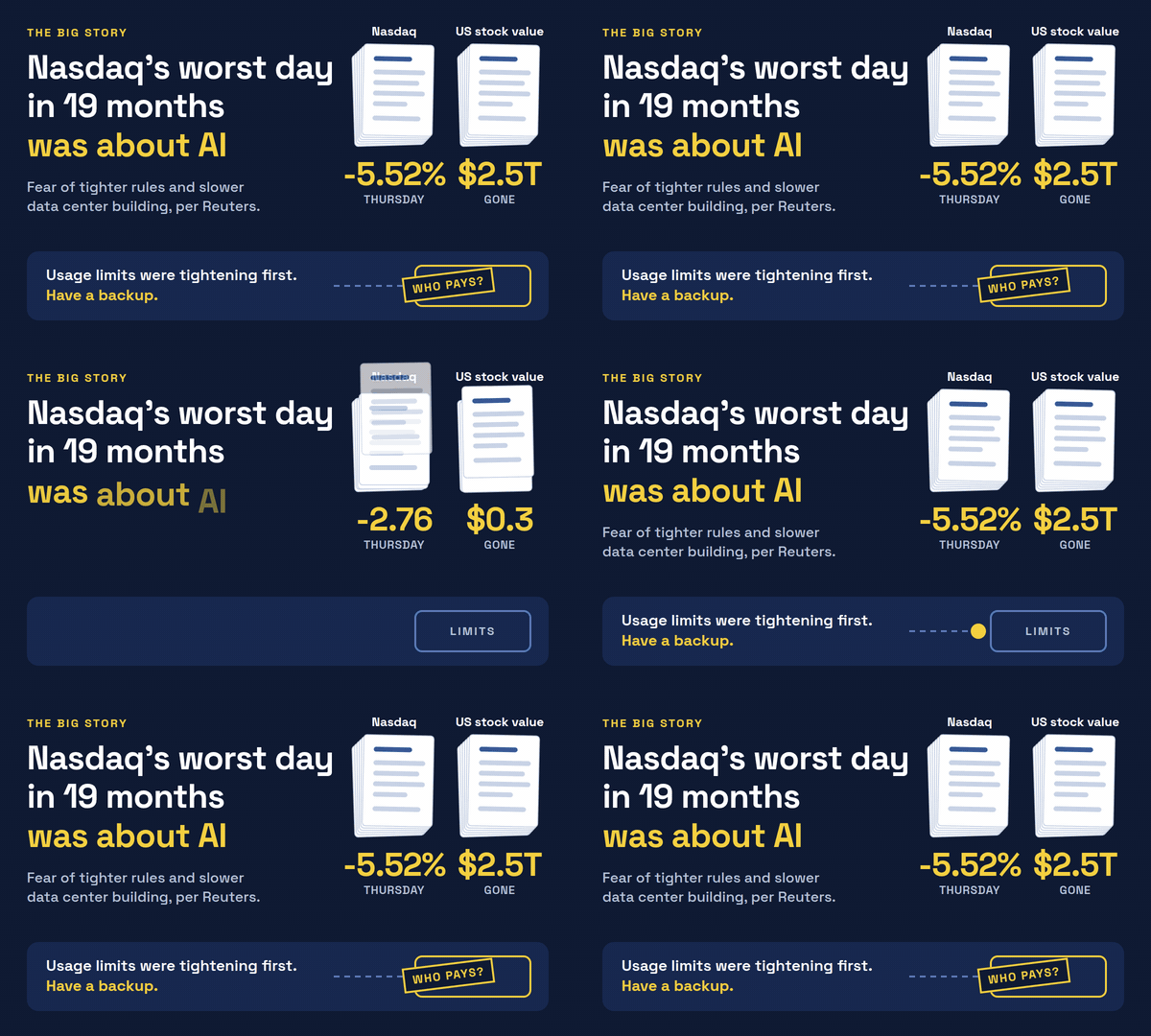
AI firms are already trimming usage limits. Plus: Piktochart turns a report into a one-page visual, free to try. AI Productivity Weekly · Nov 7, 2026 · 1 min read The Nasdaq fell 5.52% on Thursday, its worst day since April 2025, on fears of tighter AI rules. AI firms were already rationing usage: Grok cut limits, Anthropic limited some users, and OpenAI merges allowances next month. Our take: the stock swing may be a knee-jerk. The limits are not. Don't let your week depend on one chatbot's...