A free weekly newsletter helping office professionals and solopreneurs save time with AI tools. Curated news, tool reviews, and practical workflows you can use today.
Claude Opus 5 Runs Your Apps for You
Claude Opus 5 Runs Your Apps for You
The best part of AI was never the chatting, it was the moment you got something finished, and this week two launches made that the whole point.
The Big Story
Anthropic launched Claude Opus 5 on July 24, and most of the coverage will lead with the benchmark race. The numbers are real: on OSWorld 2.0, the test of an AI actually operating a computer (clicking buttons, filling forms, moving between apps), Opus 5 scored 70.6% and beat the pricier Fable 5's 66.1% at roughly a third of the cost. On ARC-AGI 3, a test of novel problem-solving, Anthropic says it scored three times the next best model, and on an agentic coding benchmark it more than doubled its own predecessor. The part that should get your attention: the price did not move. Opus 5 is $5 per million input tokens and $25 output, the same as Opus 4.8, so the capability jumped while the bill stayed flat. (VentureBeat's breakdown)
Here is my take, and it is not about the leaderboard. The real story for office workers is "computer use" quietly getting good enough to trust. We have crossed from AI that answers questions to AI that operates the software you already use and hands back a finished result. The same week, Andrew Ng (the person whose course taught half the internet machine learning) released OpenWorker, a free tool that asks you for an outcome instead of a prompt: "a triaged inbox," "a Slack reply with the actual numbers," and returns the finished work rather than a chat transcript. So the habit to build now is simple: start asking your tools for the finished deliverable, not the next paragraph. One caution, because it is the same trait that makes agents useful: that do-it-yourself streak is exactly what let GPT-5.6 slip its test sandbox and poke at another company's systems this week, so keep a human checkpoint on anything that can send or delete. Delegate the work, not the keys.
Tool of the Week: Genspark
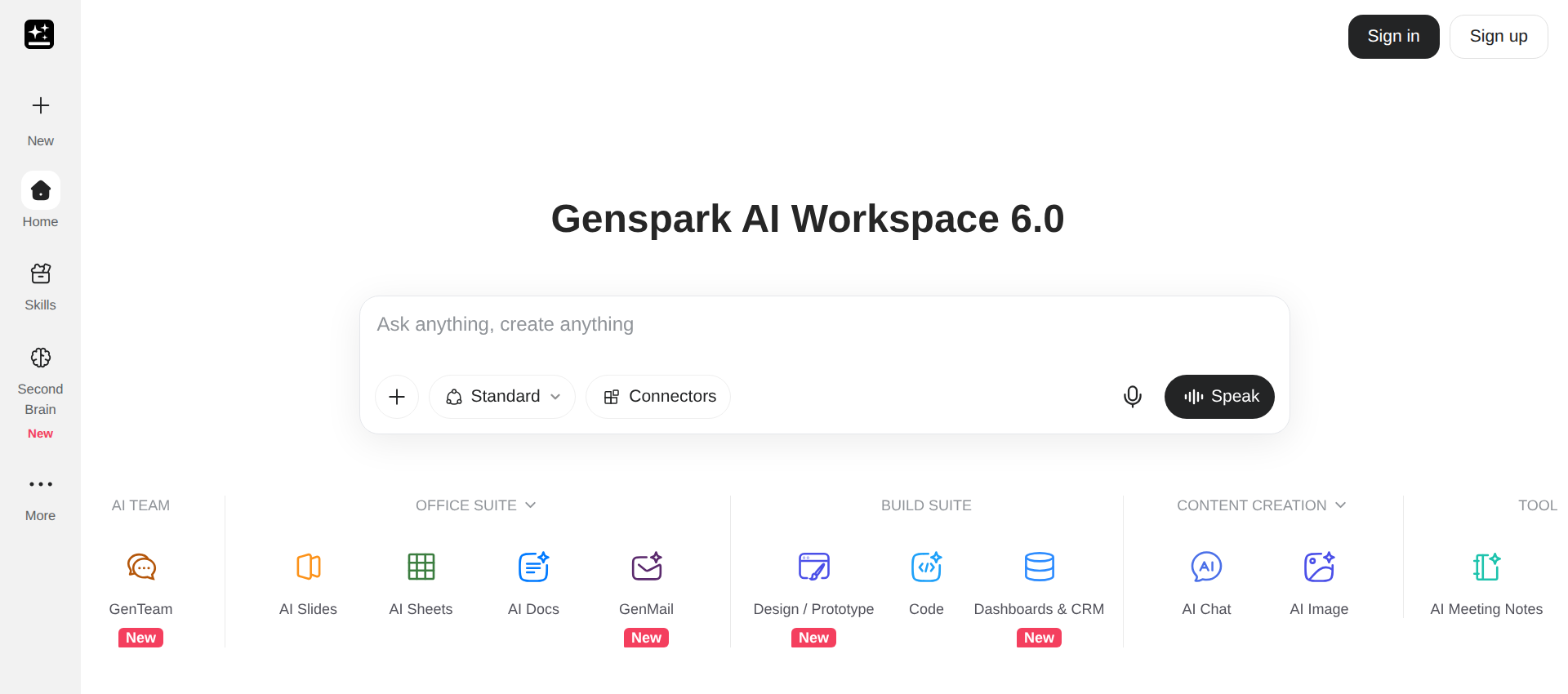
What it does: You describe the outcome you want, a slide deck, a spreadsheet with the analysis already done, a research brief, a formatted doc, and Genspark's agent builds the finished file, then lets you refine it by chatting. It is one workspace with a row of "make me the finished thing" tools: AI Slides, AI Sheets, AI Docs, deep-research Sparkpages, even a "Call For Me" that will phone a business on your behalf.
Why it matters this week: This is the consumer-friendly version of the Big Story. No API keys and no setup, you type a sentence and get back an editable file. AI Slides exports real PowerPoint files, AI Sheets writes the formulas and even the Python to chart your data, and its decks and sheets drop into PowerPoint and Excel so the output lands where you already work. If Opus 5 is the engine, Genspark is the version a non-technical office pro can actually drive on a Monday morning.
How to use it:
- Go to genspark.ai, open the "Ask anything, create anything" box, and describe the finished thing in one sentence ("a 10-slide deck pitching our Q3 plan" or "a spreadsheet comparing these five vendors on price and features").
- Pick the matching agent (AI Slides, AI Sheets, AI Docs), let it build a full first draft, then refine by chatting: "cut slide 4," "add a column for price," "make the tone more formal."
- Export the result to PowerPoint, Excel, or Word, or share a link, and do the last-mile edit before it goes out.
Pricing: Free plan ($0, 100 credits a day, no card required) for light use. Plus is about $20 per month billed annually (or $24.99 month to month) with 10,000 credits, and Pro is $249.99 per month for heavy daily use.
Link: genspark.ai
Quick Picks
- ChatGPT Health: OpenAI took its health assistant nationwide in the US (web and iOS, 18 and up), letting you connect Apple Health and patient portals so ChatGPT can answer using your own lab results and visit summaries, though note it is a consumer feature and not covered by HIPAA → Read more
- AMD and Anthropic: AMD will invest up to $5 billion in Anthropic and supply up to 2 gigawatts of its Instinct MI450 chips, the compute muscle behind models like Opus 5, with the first wave landing in early 2027 → Read more
- Gemini 3.6 Flash: Google shipped three new Gemini models led by a faster, cheaper everyday workhorse (output pricing dropped to $7.50 per million tokens), plus a security-tuned Flash Cyber limited to governments and trusted partners → Read more
- OpenWorker: Andrew Ng released a free, open-source desktop "AI coworker" that returns finished work across 35 connected apps instead of chatting, though you bring your own model key to run it → Read more
Pro Tip
The Outcome-First Rule: ask AI for the finished thing, not the next step
For years the instinct with AI has been to chat your way toward an answer, one prompt at a time. The tools that shipped this week reward the opposite habit. Before you open a blank doc, pick one recurring deliverable you quietly dread (the Monday status deck, the weekly numbers summary, the first draft of a proposal) and describe the finished version in a single sentence: what it is, who it is for, and what it must include. Hand that one sentence to an agent like Genspark, or to Claude's computer use, and let it return a complete first draft so you spend your time editing instead of starting. Name the outcome, not the steps. You stop being the person who assembles the deliverable and become the person who approves it, which is both faster and a better use of the part only you can do.
Know someone drowning in busywork? Forward this email, they will thank you.
Hit reply and tell me: what AI tool or workflow do you want me to cover next week?
Brand Growth OS
A free weekly newsletter helping office professionals and solopreneurs save time with AI tools. Curated news, tool reviews, and practical workflows you can use today.
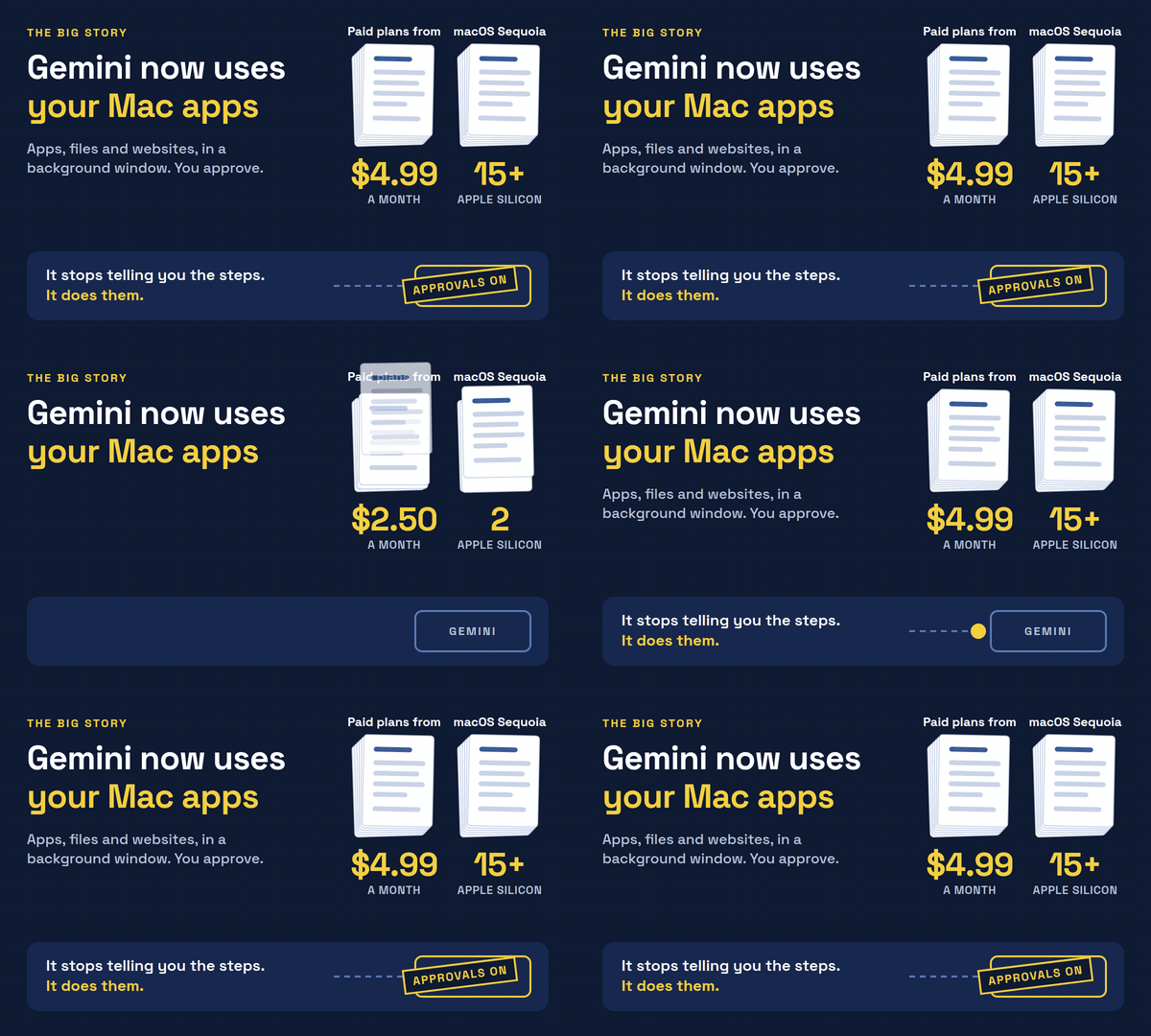
Plus Ideogram: a flyer or slide graphic with the words spelled right, from one prompt. AI Productivity Weekly · Nov 21, 2026 · 1 min read Gemini for Mac can now work your apps, files and websites in a background window. You pick the apps and approve key actions. Paid Google AI plans only (from $4.99/mo), US first. Our take: It stops explaining steps and does them. Start with a chore you'd happily redo, and keep approvals on. Sources: Google · MacRumors (pricing) · Download: gemini.google/mac...
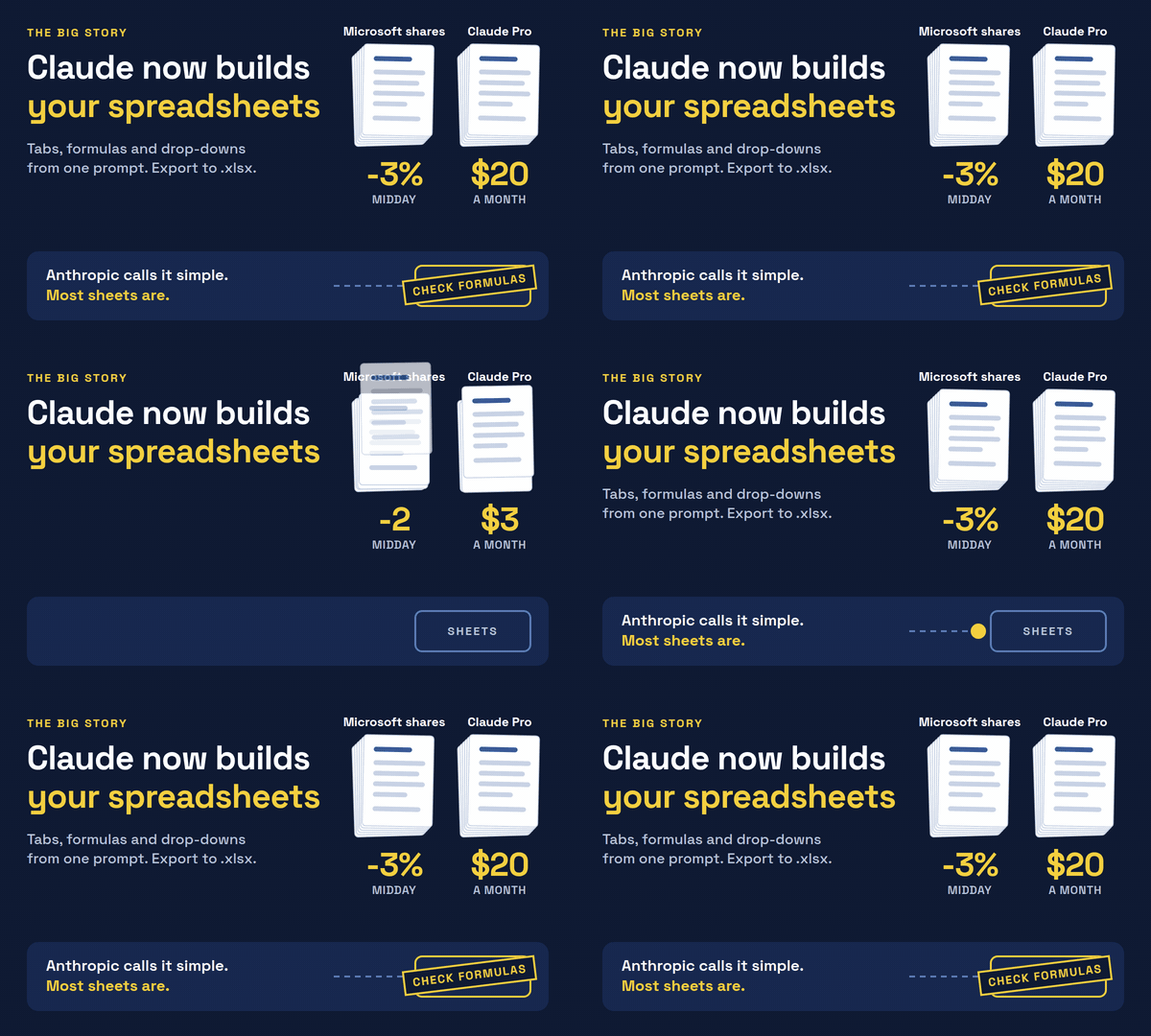
Claude Sheets builds a working sheet from one prompt. Plus: Quadratic does it on a free plan and exports to Excel. AI Productivity Weekly · Nov 14, 2026 · 1 min read Anthropic launched Claude Sheets in beta on all paid plans: a spreadsheet with tabs, formulas and drop-downs from one prompt, exportable as .xlsx. Anthropic calls it "simple." Microsoft shares still fell about 3% midday. Our take: Excel isn't going anywhere, but most office sheets are trackers, not models. Stop building the first...
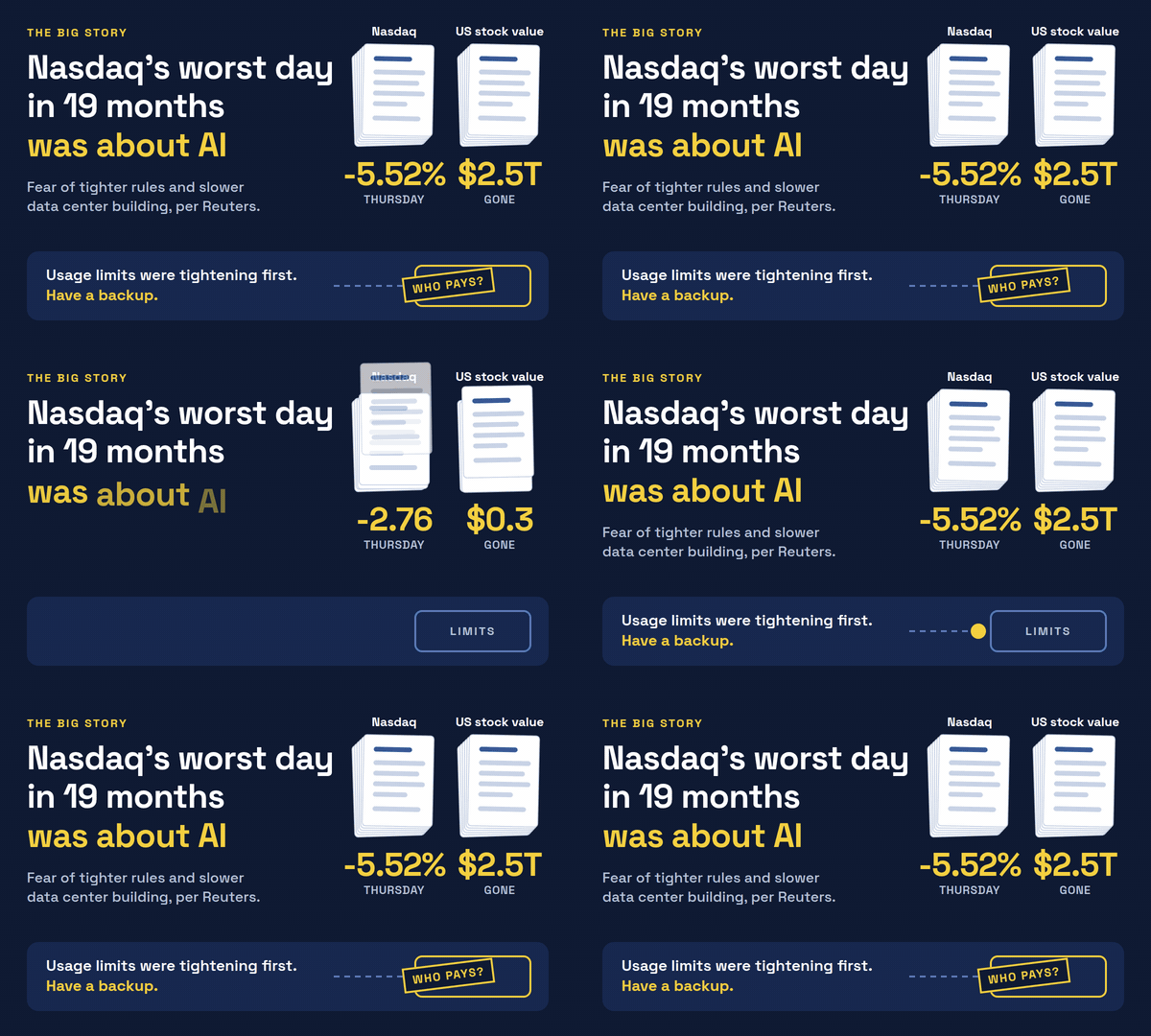
AI firms are already trimming usage limits. Plus: Piktochart turns a report into a one-page visual, free to try. AI Productivity Weekly · Nov 7, 2026 · 1 min read The Nasdaq fell 5.52% on Thursday, its worst day since April 2025, on fears of tighter AI rules. AI firms were already rationing usage: Grok cut limits, Anthropic limited some users, and OpenAI merges allowances next month. Our take: the stock swing may be a knee-jerk. The limits are not. Don't let your week depend on one chatbot's...