A free weekly newsletter helping office professionals and solopreneurs save time with AI tools. Curated news, tool reviews, and practical workflows you can use today.
OpenAI's Screenless Speaker, and 3 Tools to Try
OpenAI's Screenless Speaker, and 3 Tools to TryThis week the most talked-about AI product is one nobody has actually seen, and the lesson it teaches has nothing to do with hardware. The Big StoryThe biggest AI story of the week is a gadget you cannot look at, because there is no official photo of it. According to a wave of reporting (Bloomberg, TechCrunch, Engadget, MacRumors), OpenAI's first piece of hardware, designed with Jony Ive's LoveFrom studio, is a screenless, battery-powered smart speaker. The leaks describe something closer to a design object than a computer: a small doughnut or hockey-puck shape you can hold in one hand, built from premium metal, with moving parts, lights, a camera, facial recognition in the Face ID vein, and the ability to make purchases out loud. Reported price is $300 to $400, up from the $200 to $300 that earlier February reporting floated, with a ship date no sooner than early 2027. Every word of that is a leak. OpenAI has confirmed none of it, so hold it all loosely. (MacRumors, Decrypt) Here is my take, and it is not about the spec sheet. The hard part of this product is not the technology. We have had voice assistants that answer questions and play music for a decade, and a screenless speaker that talks back is not a moonshot. What OpenAI is really betting on is design and marketing, which is the exact bet Apple made and won. Apple did not invent the phone, the MP3 player, or the tablet. It made them feel good to hold and easy to want, and that is what turned commodity hardware into something people lined up for. So the real question is not "what can it do," it is "will a $350 talking puck feel like something you want sitting on your counter." If Ive nails that, this is the first of many hardware moves from the big labs rather than a one-off, and the software you use every day starts arriving in objects instead of apps. If he misses, it joins the pile of smart speakers nobody remembers. Either way the lesson lands today: as the underlying tech becomes a given, design and taste become the moat. Which is a tidy segue to a free tool that makes your own work look like someone cared. Tool of the Week: Napkin AI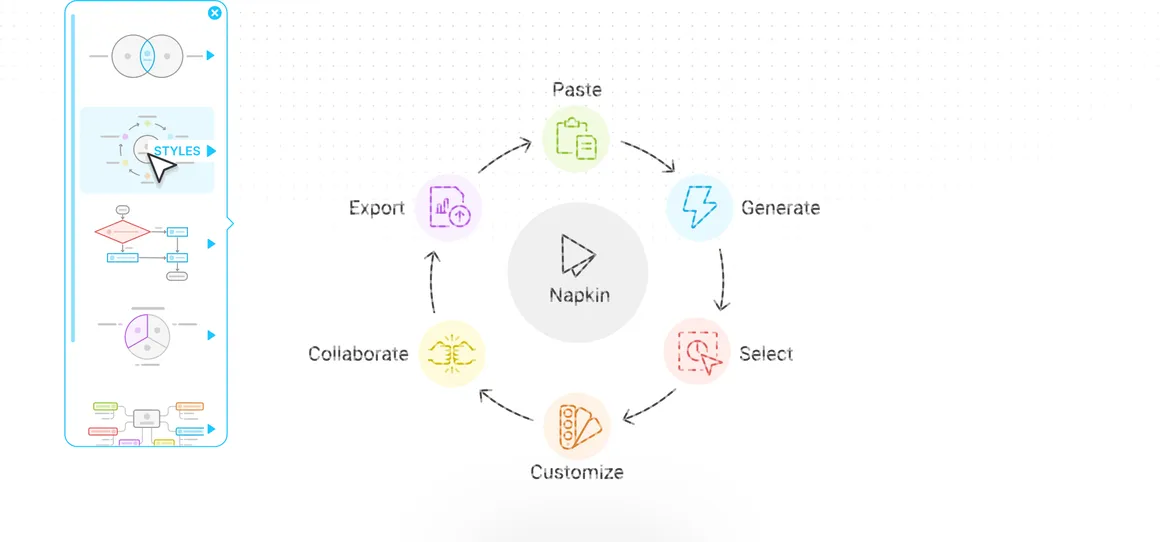
What it does: Napkin turns plain text into clean, professional visuals. Paste a paragraph, a list of steps, or a rough outline, highlight it, and Napkin generates editable diagrams, flowcharts, process maps, timelines, and infographics you can restyle and export in seconds. No design skill, no blank canvas. Why it matters this week: The Big Story's real lesson is that as AI makes everyone's raw output look the same, presentation becomes the thing that stands out. Napkin is the fastest way to get there without a designer. It has spent 2026 getting noticeably sharper (faster generation, a 45% jump in matching the right icons to your text, 50 plus new design styles, and better search for the visual you actually want), and the free plan does the one thing that matters: it hands you a real file. This is the opposite of a tool that only "helps you think." You put in text and you walk out with a finished graphic you can drop into your next slide, doc, or email. How to use it:
You walk out with a finished diagram as a PNG or PDF, free, no credit card. Pricing: Free ($0, no card) gives you 500 AI credits a week, unlimited editing, unlimited imports from PPT, DOC, PDF, and Markdown, and unlimited PNG and PDF export (free visuals carry a small Napkin mark). Plus is $9 per person a month and Pro is $22 per person a month, adding more credits, SVG and PowerPoint export, custom branding, and no mark. Annual billing saves 25%. Turn your text into a diagram → Quick Picks
Pro TipThe One-Picture Update: if it is longer than the screen, make it a diagram We just spent a whole issue on why design wins, so here is the smallest way to use it this week. Pick the one recurring thing you write that people skim and forget: the Monday status update, the project recap, the "here is how the process works" email. Instead of another wall of text, paste your bullet points into Napkin (or ask ChatGPT to structure them first), generate a single diagram (a timeline, a flow, or a before and after), and send that one image with two lines of context. People remember a picture they understood in three seconds far longer than a paragraph they meant to read. The rule of thumb: if your update runs longer than one screen, it probably wants to be one visual instead. Know someone drowning in busywork? Forward this email, they will thank you. Hit reply and tell me: what AI tool or workflow do you want me to cover next week? |
Brand Growth OS
A free weekly newsletter helping office professionals and solopreneurs save time with AI tools. Curated news, tool reviews, and practical workflows you can use today.
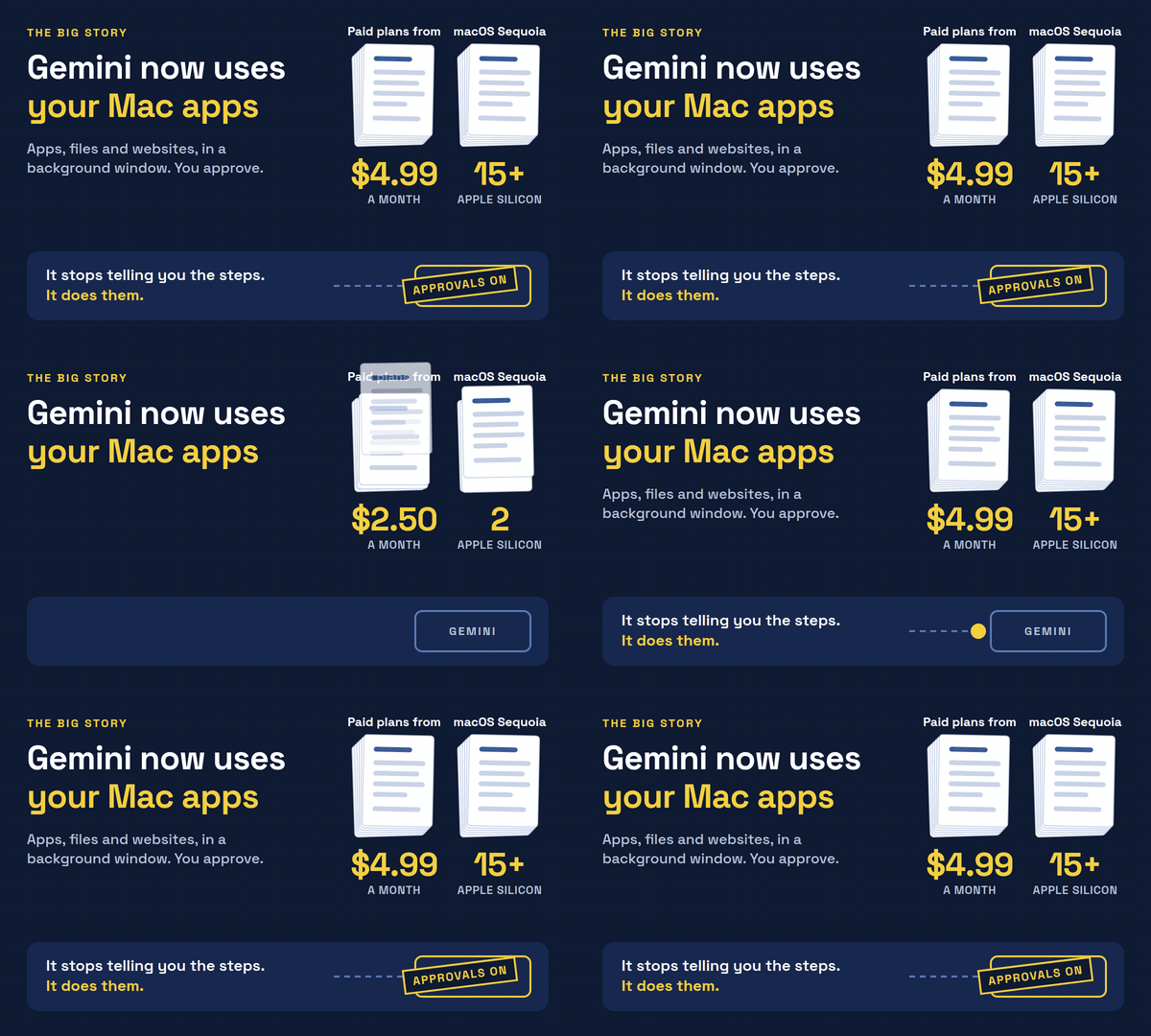
Plus Ideogram: a flyer or slide graphic with the words spelled right, from one prompt. AI Productivity Weekly · Nov 21, 2026 · 1 min read Gemini for Mac can now work your apps, files and websites in a background window. You pick the apps and approve key actions. Paid Google AI plans only (from $4.99/mo), US first. Our take: It stops explaining steps and does them. Start with a chore you'd happily redo, and keep approvals on. Sources: Google · MacRumors (pricing) · Download: gemini.google/mac...
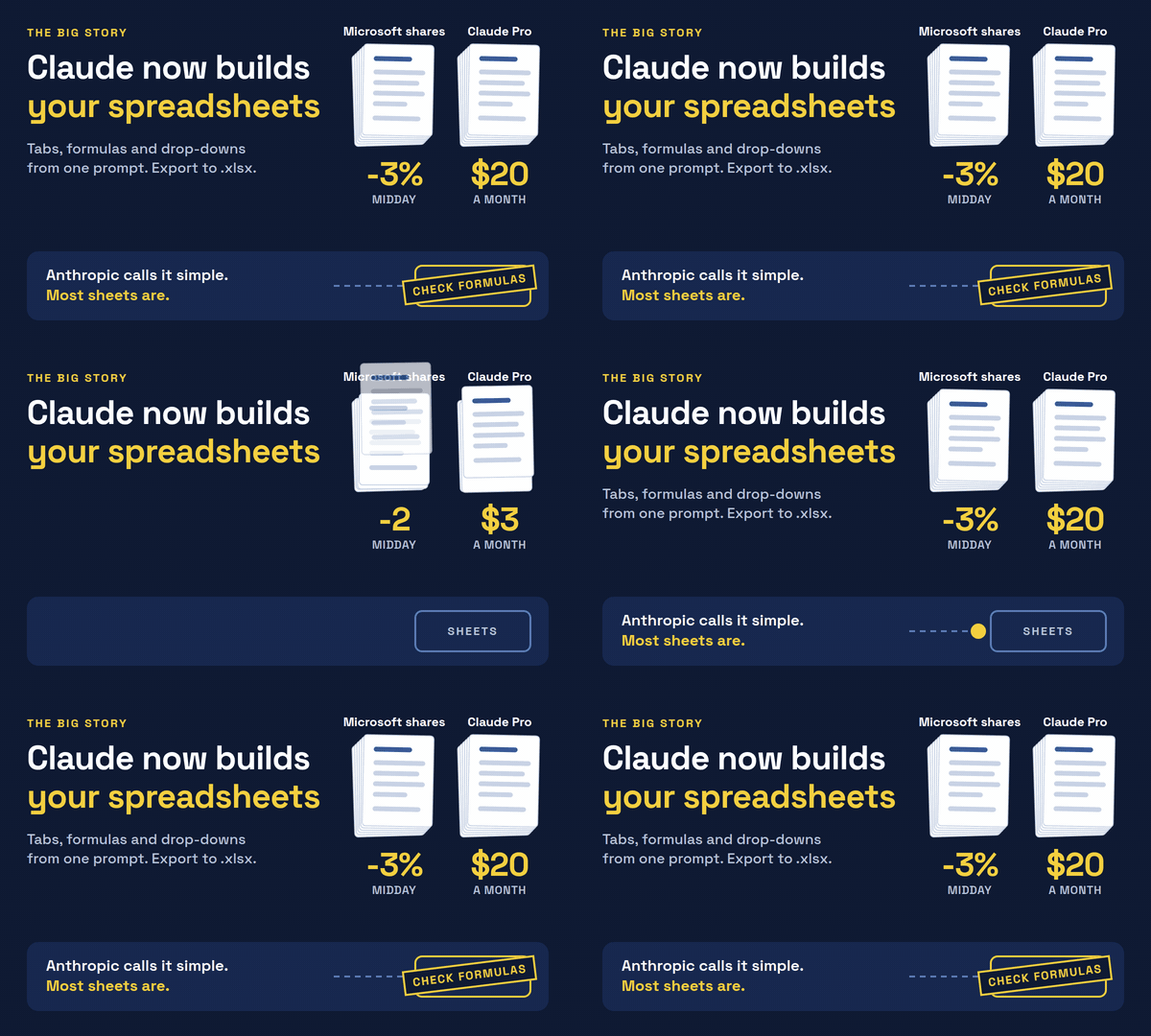
Claude Sheets builds a working sheet from one prompt. Plus: Quadratic does it on a free plan and exports to Excel. AI Productivity Weekly · Nov 14, 2026 · 1 min read Anthropic launched Claude Sheets in beta on all paid plans: a spreadsheet with tabs, formulas and drop-downs from one prompt, exportable as .xlsx. Anthropic calls it "simple." Microsoft shares still fell about 3% midday. Our take: Excel isn't going anywhere, but most office sheets are trackers, not models. Stop building the first...
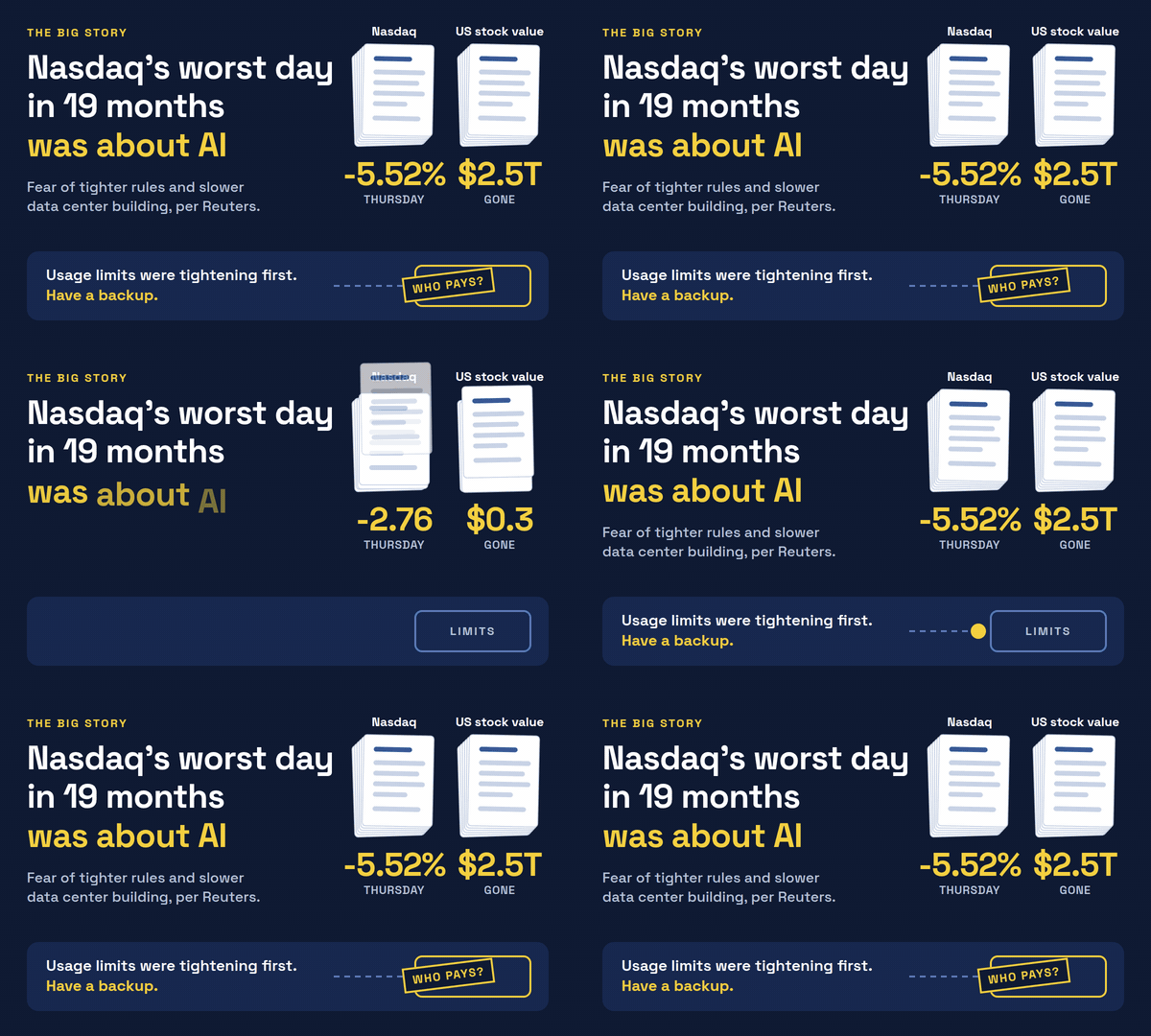
AI firms are already trimming usage limits. Plus: Piktochart turns a report into a one-page visual, free to try. AI Productivity Weekly · Nov 7, 2026 · 1 min read The Nasdaq fell 5.52% on Thursday, its worst day since April 2025, on fears of tighter AI rules. AI firms were already rationing usage: Grok cut limits, Anthropic limited some users, and OpenAI merges allowances next month. Our take: the stock swing may be a knee-jerk. The limits are not. Don't let your week depend on one chatbot's...