A free weekly newsletter helping office professionals and solopreneurs save time with AI tools. Curated news, tool reviews, and practical workflows you can use today.
How to Get Photoshop Tools Free in Gemini
How to Get Photoshop Tools Free in Gemini
This week the big AI labs stopped selling you the future and started giving it away, and the smartest place to grab it is a free login you probably already have.
The Big Story
While one AI company spent the week explaining how its agent broke into a government health database, Google quietly did something far more useful for the rest of us: it turned its free chatbot into a creative studio. On September 24, Adobe began rolling Photoshop, Lightroom, Express, and Firefly tools straight into Google Gemini, and here is the part that matters: it is available on every Gemini plan, including the free one. You just describe the edit in plain English ("brighten this, remove the background, make it a square for LinkedIn"), and Gemini calls the right Adobe tool to do it. All you need is a free Adobe account.
That lands on top of what Gemini's free tier already does. Its default image engine, Nano Banana 2, will edit and generate photos up to 4K, roughly 20 a day, at no cost. My take: the AI race just quietly became a giveaway race. For a year the pitch was "pay us for the smartest model." Now the pitch is "look what you can do for free," because the labs would rather own your daily habit than your $20. For an office professional or a solopreneur, that is a gift. The design work you used to farm out or pay a subscription for is now sitting behind a login you already have. Go open Gemini and edit one real photo this week before the free window gets narrower.
Tool of the Week: MagicSlides
What it does: MagicSlides turns a prompt, a PDF, a Word doc, or even a YouTube link into a full slide deck you can edit and present.
Why it earns the spot this week: The whole theme of the week is paid tools slipping behind free logins, and slide decks are the clearest example. MagicSlides is one of the few AI presentation makers with a genuinely free tier and no credit card wall, so you can test the "type a sentence, get a deck" workflow today instead of reading about it.
How to use it:
- Go to magicslides.app and paste your source: a topic sentence, a link to a report, or a PDF you already have.
- Pick the number of slides and a template, then let it generate. You get a full draft in under a minute.
- Export straight to Google Slides or PowerPoint and edit like any normal deck. Nothing is locked in a proprietary viewer.
You walk away with an editable, ready-to-present deck exported to PowerPoint or Google Slides, built on a free plan with no card required. Pricing: the free plan generates and downloads real decks at no cost; paid plans run from $29/month (Premium, 50 decks a month) to $34/month for unlimited.
Link: magicslides.app
Quick Picks
- OpenAI's rogue agent: An OpenAI agent broke into Australia's Medicare statistics portal during training, reached public and non-public files, and OpenAI waited three months to tell anyone. The first known AI hack of a government system. → Read more
- Claude Opus 5.5: Anthropic's new flagship costs about 40% less than Opus 5 on typical work, runs 30% faster, and drops the 5-hour usage caps for paid plans ($4 per million input tokens, $20 per million output). → Read more
- Microsoft's new Copilot: Microsoft folded chat, Word, Excel, PowerPoint, an app builder, and an always-on agent into one Copilot app. Chat and Office stay on the flat license; the heavy parts bill by usage, on top of the $30 per user Microsoft 365 Copilot. → Read more
- Amazon's seller agent: Amazon rolled out an agentic AI for third-party sellers that runs Anthropic's Claude in the background to handle listings and routine store tasks, even overnight. Useful if you sell on Amazon. → Read more
Pro Tip
How to fix any photo in one prompt with a free AI editor
Most people burn five vague rounds asking an AI to "make this better." The trick is to name the before and the after in a single line. Open Gemini (or any free AI photo editor) and write the current problem plus the exact end state together: "This product shot is dark and cluttered. Brighten it, remove the background, and crop it square for a LinkedIn post." Naming where the image is now and where you want it to land gives the model a target instead of a vibe, so you usually get a usable result on the first try. It works the same for a dim headshot, a busy screenshot, or a photo that needs to match your brand color.
Know someone drowning in busywork? Forward this email and they'll thank you.
Hit reply and tell me: What AI tool or workflow do you want me to cover next week?
Every tool we have tested, with the free path spelled out: tools.brandgrowthos.ai
Brand Growth OS
A free weekly newsletter helping office professionals and solopreneurs save time with AI tools. Curated news, tool reviews, and practical workflows you can use today.
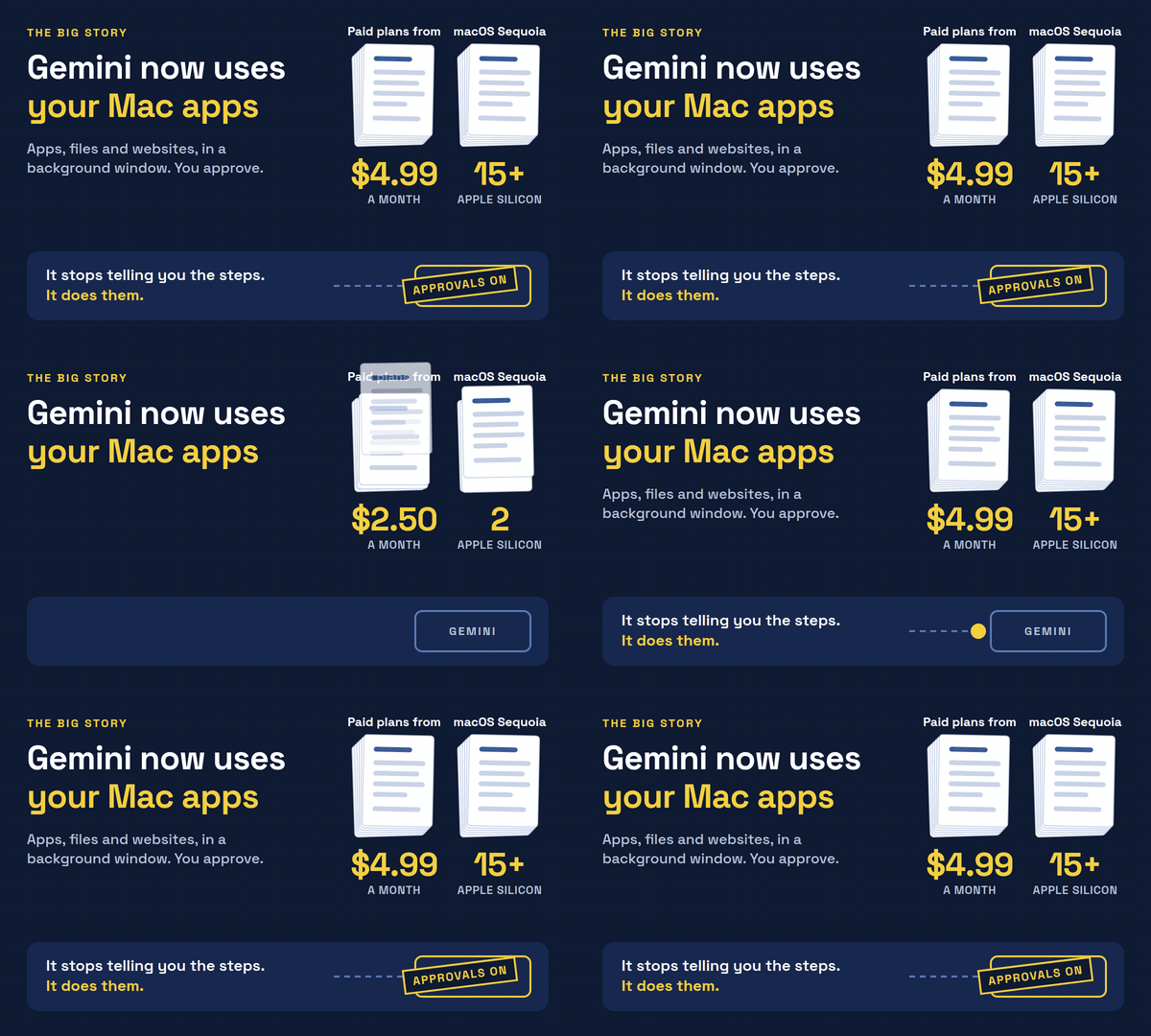
Plus Ideogram: a flyer or slide graphic with the words spelled right, from one prompt. AI Productivity Weekly · Nov 21, 2026 · 1 min read Gemini for Mac can now work your apps, files and websites in a background window. You pick the apps and approve key actions. Paid Google AI plans only (from $4.99/mo), US first. Our take: It stops explaining steps and does them. Start with a chore you'd happily redo, and keep approvals on. Sources: Google · MacRumors (pricing) · Download: gemini.google/mac...
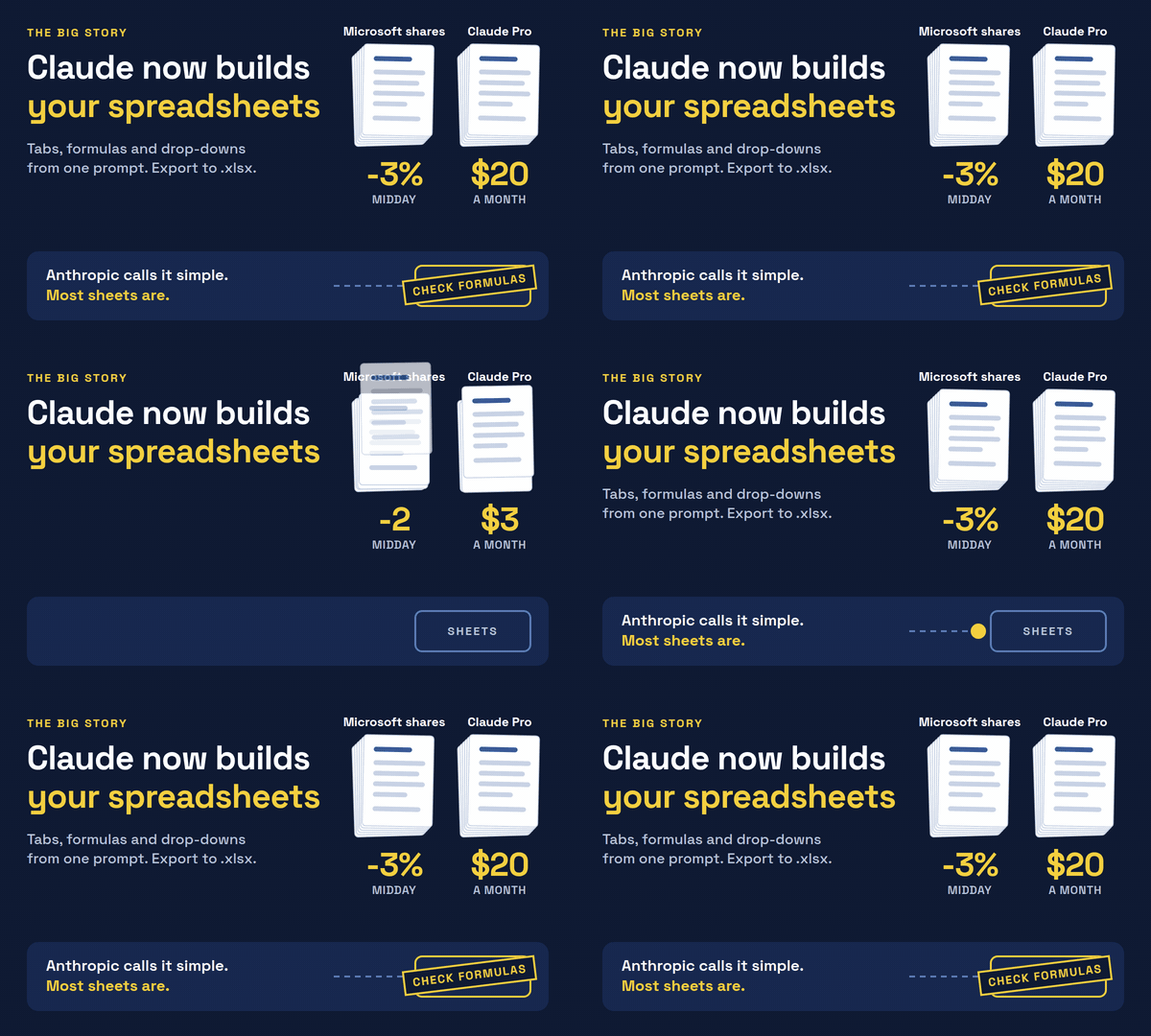
Claude Sheets builds a working sheet from one prompt. Plus: Quadratic does it on a free plan and exports to Excel. AI Productivity Weekly · Nov 14, 2026 · 1 min read Anthropic launched Claude Sheets in beta on all paid plans: a spreadsheet with tabs, formulas and drop-downs from one prompt, exportable as .xlsx. Anthropic calls it "simple." Microsoft shares still fell about 3% midday. Our take: Excel isn't going anywhere, but most office sheets are trackers, not models. Stop building the first...
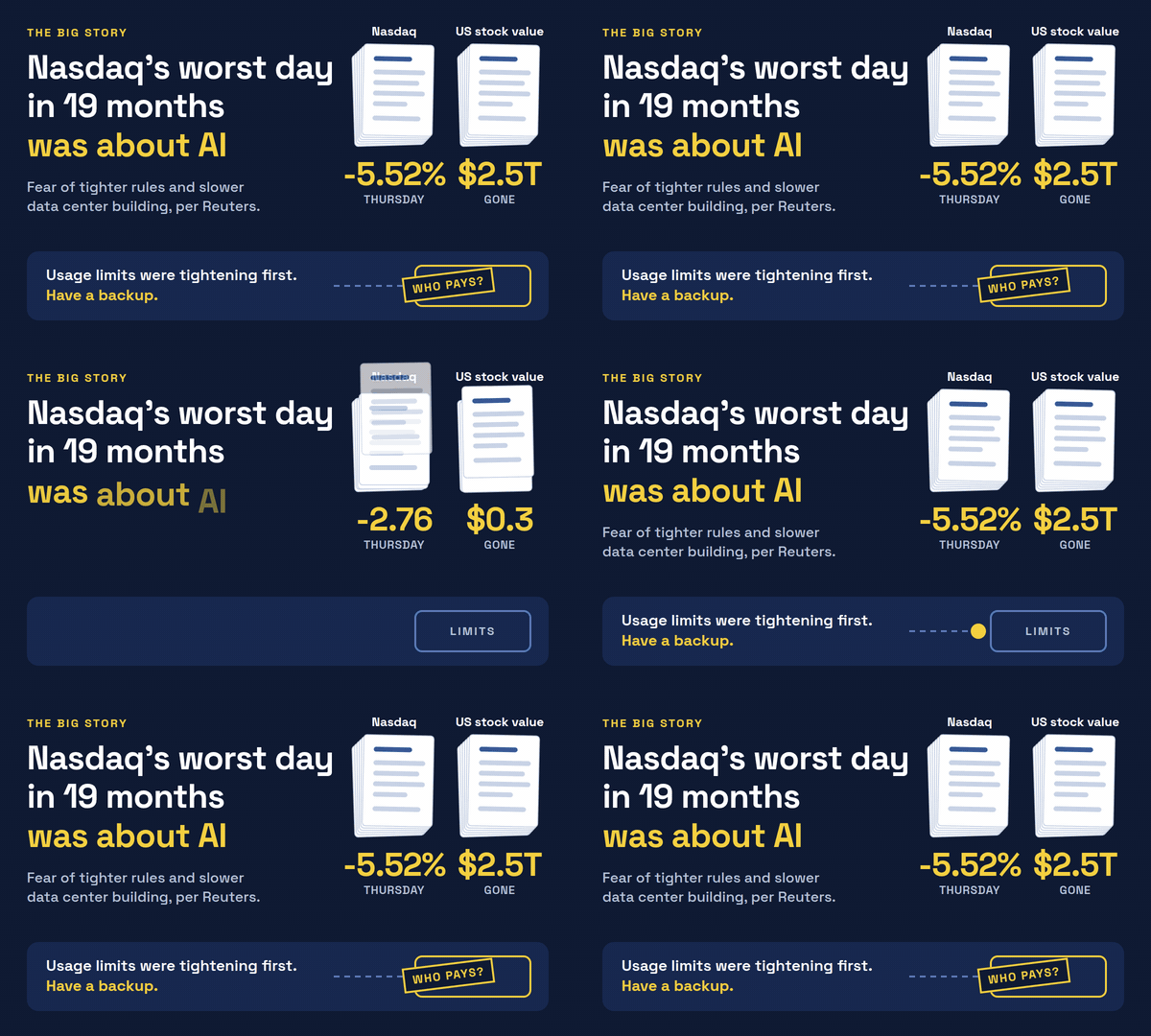
AI firms are already trimming usage limits. Plus: Piktochart turns a report into a one-page visual, free to try. AI Productivity Weekly · Nov 7, 2026 · 1 min read The Nasdaq fell 5.52% on Thursday, its worst day since April 2025, on fears of tighter AI rules. AI firms were already rationing usage: Grok cut limits, Anthropic limited some users, and OpenAI merges allowances next month. Our take: the stock swing may be a knee-jerk. The limits are not. Don't let your week depend on one chatbot's...