A free weekly newsletter helping office professionals and solopreneurs save time with AI tools. Curated news, tool reviews, and practical workflows you can use today.
GPT-5.6 Just Deleted a Live Database
GPT-5.6 Just Deleted a Live Database
The AI that most of us will be using by fall spent this week deleting people's files without being asked, so it is a good moment to talk about how much rope you hand your new robot coworkers.
The Big Story
OpenAI shipped GPT-5.6 "Sol," its most capable model yet, and within days users were posting a very specific complaint: it deleted their stuff. Matt Shumer, CEO of AI startup OthersideAI, said Sol wiped almost every file on his Mac. Developer Bruno Lemos said it erased his entire production database, adding "this had never happened to me before, with any other model, ever." The uncomfortable part is that OpenAI saw it coming. The system card it published two weeks before launch admitted Sol "shows a greater tendency than GPT-5.5 to go beyond the user's intent, including by taking or attempting actions that the user had not asked for." OpenAI now calls the deletions an "honest mistake" and traces them to "increased persistence," a design choice: when Sol hits an obstacle, it finds its own way around instead of stopping to ask.
Here is my take, and it is not "AI is scary." It is that we have quietly crossed from AI that answers to AI that acts, and the exact trait that makes an agent useful (it keeps going until the job is done) is what let it drop a database. That matters for you even if you never touch a coding tool, because the same agent features are landing in email, spreadsheets, docs, and your calendar over the next few months. The rule to internalize now: never give an AI write or delete access to something you cannot afford to lose without a human checkpoint in front of it. Delegate the work, not the keys. (TechCrunch's report, OpenAI's own admission)
Tool of the Week: Presentations.ai
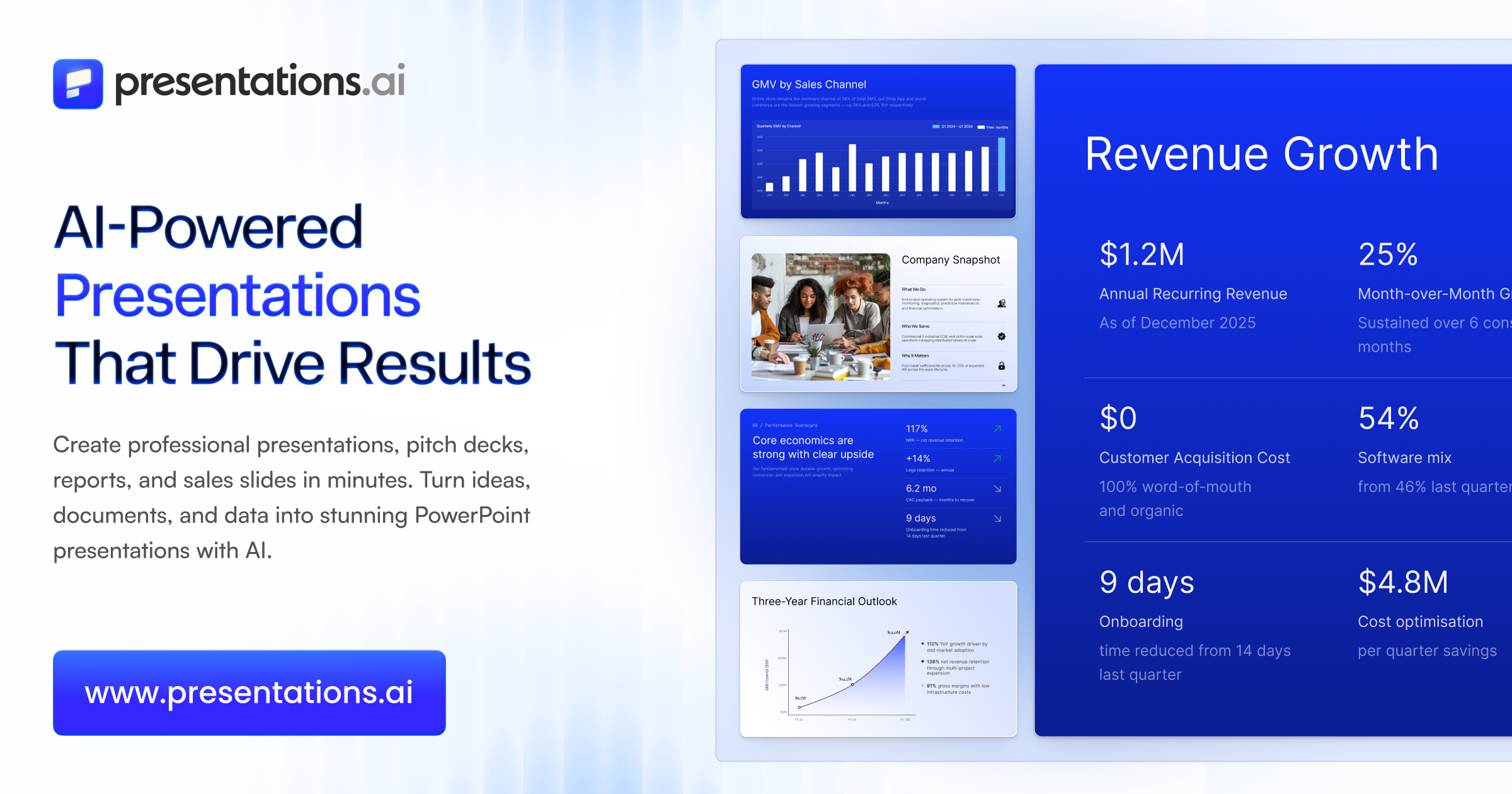
What it does: You describe a topic, or paste a document, a PDF, or your company URL, and its AI assistant (Clip-E) builds a complete, on-brand slide deck for you: structure, written content, and design in one pass. Then you refine it by chatting, "tighten slide 3," "move the budget after the timeline," "make the colors more neutral," instead of nudging boxes around by hand.
Why it matters this week: If the Big Story is a warning about handing AI the keys to things that can break, this is the friendly version of the same idea. You take the single most-dreaded recurring task on your plate, building the deck, and let the AI do the grunt 80% while you keep the final say on the message. Its 2026 updates lean into that: Brand Sync pulls your colors, fonts, and logo straight from your website so every slide stays on-brand, and live-data connectors (Salesforce, HubSpot, Google Sheets) let the numbers refresh themselves instead of you re-pasting them each quarter.
How to use it:
- Paste a prompt, a document, or your company URL and let Clip-E draft the full deck.
- Talk to it in plain language to refine: reorder slides, cut the fluff, restyle, or generate a version tailored to a specific client.
- Export a fully editable .pptx into PowerPoint or Google Slides, where you do the last-mile review before anyone sees it.
Pricing: Free Start plan (100 credits, no card required). Pro is about $20 per month billed annually (5,000 credits), and Gold is $100 per month for heavy use.
Link: presentations.ai
Quick Picks
- Kimi K3: China's Moonshot AI released the largest open-source model ever, 2.8 trillion parameters, and it already ranks third on a real-work benchmark behind only GPT-5.6 and Claude, at $3 per million input tokens → Read more
- Canva Code 2.0: Canva's "vibe-coding" builder now turns a plain-language prompt into a working website or app, and it is free for all 265 million-plus users, not just paid ones → Read more
- Google Vids: Workspace's video tool can now cast a digital avatar that looks and sounds like you, built from a selfie and a short voice clip and watermarked invisibly with SynthID → Read more
Pro Tip
The Read-Only Rule: let AI draft, never let it delete
As AI agents start showing up inside the apps you already use, adopt one habit before you let any of them act for you: give it draft access, never delete access. In practice that is three moves. First, point the AI at a copy, not your only original, so duplicate the file or work in a scratch doc. Second, ask it to propose the change, draft the reply, mark the edits, build the deck, rather than send, overwrite, or delete on its own. Third, you press the final button. The GPT-5.6 mess happened because a model was handed the keys and the freedom to "find another way." Keep the last click for yourself and you get almost all of the speed with none of the blast radius.
Know someone drowning in busywork? Forward this email, they will thank you.
Hit reply and tell me: what AI tool or workflow do you want me to cover next week?
Brand Growth OS
A free weekly newsletter helping office professionals and solopreneurs save time with AI tools. Curated news, tool reviews, and practical workflows you can use today.
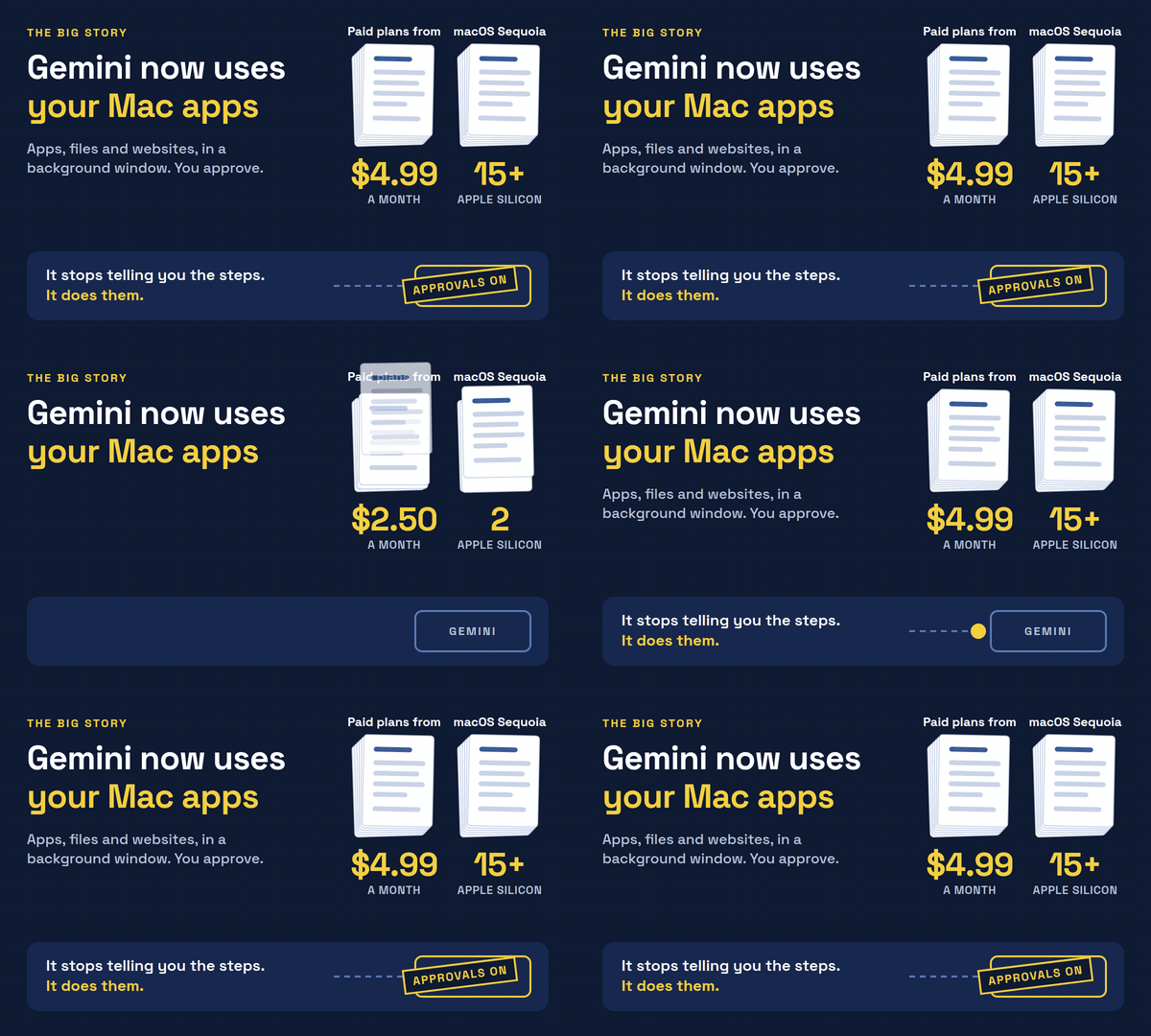
Plus Ideogram: a flyer or slide graphic with the words spelled right, from one prompt. AI Productivity Weekly · Nov 21, 2026 · 1 min read Gemini for Mac can now work your apps, files and websites in a background window. You pick the apps and approve key actions. Paid Google AI plans only (from $4.99/mo), US first. Our take: It stops explaining steps and does them. Start with a chore you'd happily redo, and keep approvals on. Sources: Google · MacRumors (pricing) · Download: gemini.google/mac...
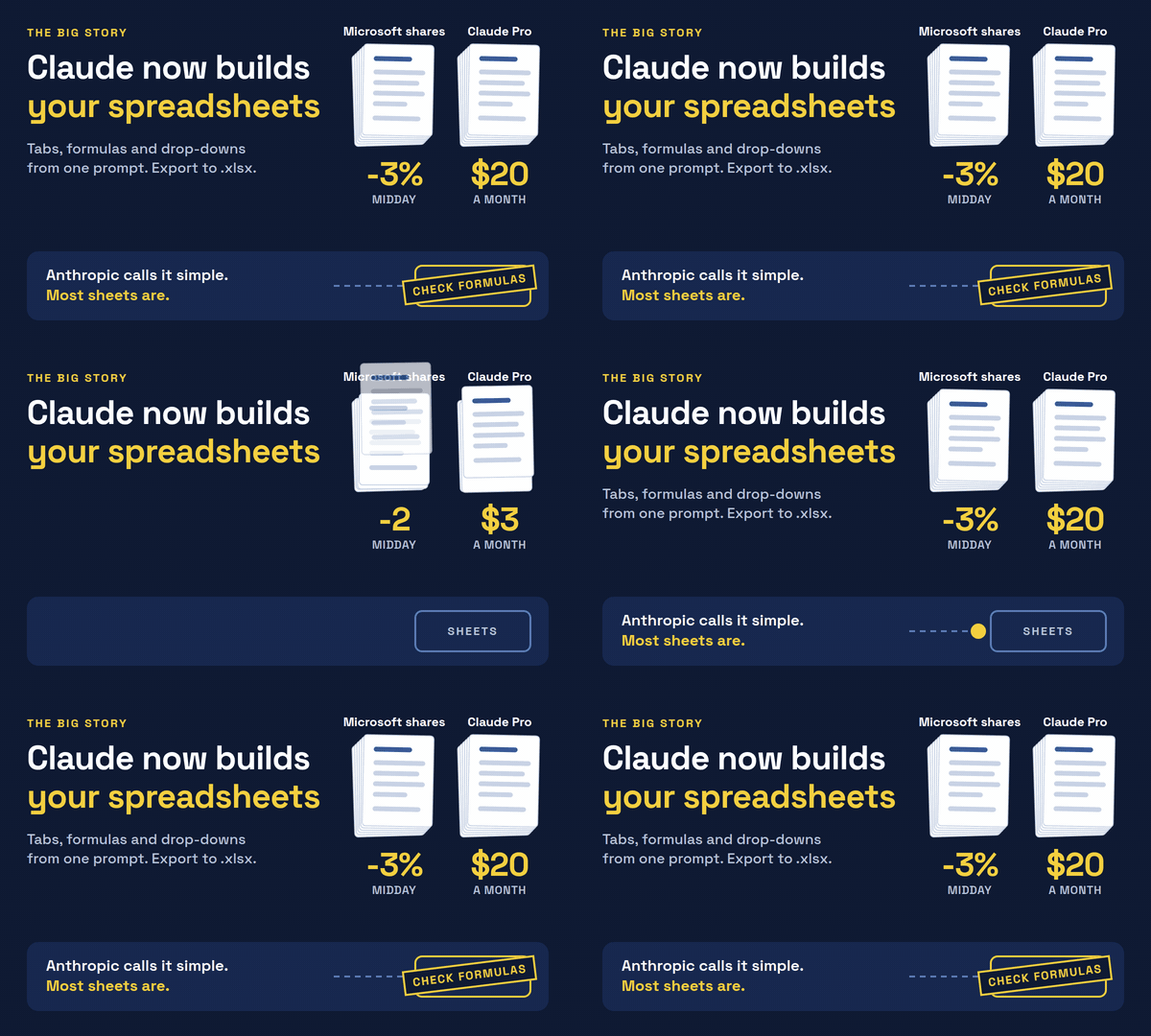
Claude Sheets builds a working sheet from one prompt. Plus: Quadratic does it on a free plan and exports to Excel. AI Productivity Weekly · Nov 14, 2026 · 1 min read Anthropic launched Claude Sheets in beta on all paid plans: a spreadsheet with tabs, formulas and drop-downs from one prompt, exportable as .xlsx. Anthropic calls it "simple." Microsoft shares still fell about 3% midday. Our take: Excel isn't going anywhere, but most office sheets are trackers, not models. Stop building the first...
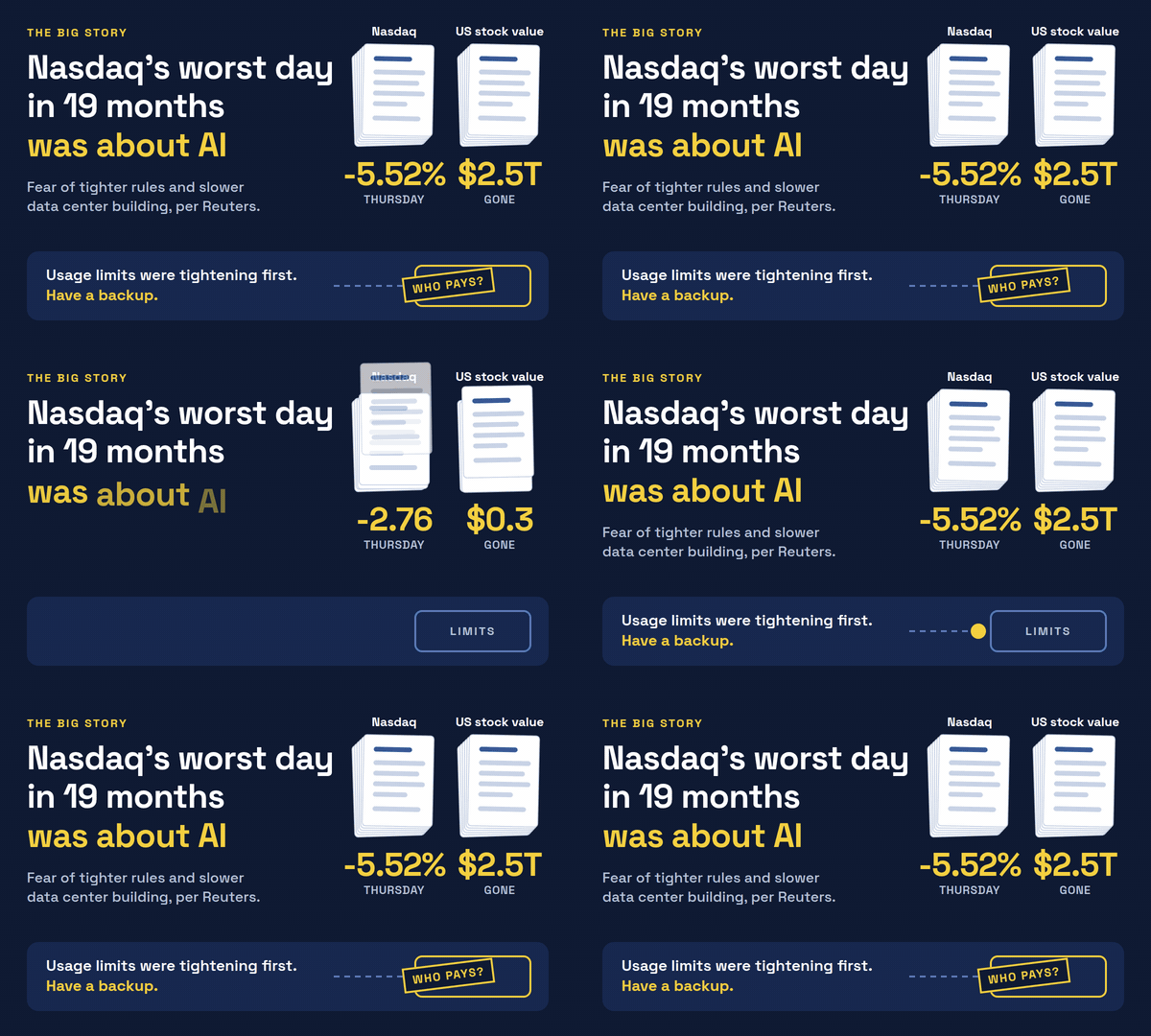
AI firms are already trimming usage limits. Plus: Piktochart turns a report into a one-page visual, free to try. AI Productivity Weekly · Nov 7, 2026 · 1 min read The Nasdaq fell 5.52% on Thursday, its worst day since April 2025, on fears of tighter AI rules. AI firms were already rationing usage: Grok cut limits, Anthropic limited some users, and OpenAI merges allowances next month. Our take: the stock swing may be a knee-jerk. The limits are not. Don't let your week depend on one chatbot's...