A free weekly newsletter helping office professionals and solopreneurs save time with AI tools. Curated news, tool reviews, and practical workflows you can use today.
Is Your Office AI Smarter This Week?
Is Your Office AI Smarter This Week?The AI inside your Office apps got an upgrade on Thursday and you did not have to lift a finger, so here is what actually changed and how to cash it in. The Big StoryOn Thursday, OpenAI shipped GPT-5.6 in three flavors (Sol, the flagship; Terra, the balanced everyday model; and Luna, the fast, cheap one), and Microsoft immediately made it the preferred model inside Microsoft 365 Copilot: Word, Excel, PowerPoint, Chat, and Cowork. The same morning, xAI dropped Grok 4.5. If you use Copilot at work, the practical result is simple: the assistant in your documents got measurably better at reasoning, longer context, and doing more with fewer prompts, and nobody asked you to install a thing or pick a model. Microsoft flipped the engine and left the badge the same. Here is the part worth sitting with. For office workers, the question "which AI should I use?" is quietly dying. You are not going to out-shop Microsoft on model choice, and you should not try: the best model now arrives inside the tools you already pay for, on someone else's release schedule, whether you notice or not. That is genuinely good news, but it has a catch. Most people tried a task with AI once, decided it was not good enough, and never went back, which means every silent upgrade lands on a workflow nobody re-tests. The 2026 move is not chasing version numbers. It is noticing what just got smarter and re-running the jobs you gave up on. (Details: the GPT-5.6 launch, Microsoft's rollout, Grok 4.5.) Tool of the Week: Attio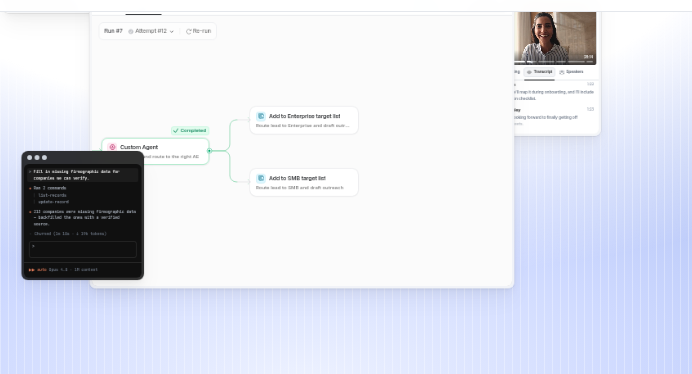
What it does: Attio is an AI-native CRM that keeps your contacts, companies, and deals in one place, and now runs AI agents that research and update those records for you. Why it matters this week: Over the last month Attio turned its CRM from a filing cabinet into something that acts. Its new Workflows shipped June 9 and got a second expansion June 29, letting you hand plain-language jobs to AI agents that enrich a contact, route a lead, or draft a follow-up. "Ask Attio" now takes custom context, so it works the way you actually work. This is exactly the "recognizable category, unfamiliar product" you should be re-testing right now: you know what a CRM is, but you have probably never watched one do your research for you. How to use it:
Pricing: Free for up to 3 seats (contact syncing, automatic enrichment, and 100 AI credits per user each month). Plus is $29 per user per month billed annually for unlimited seats. Pro is $69 per user per month and adds call intelligence and sequences. Quick Picks
Pro TipThe Re-Test Rule: collect the AI upgrades you keep missing Every model quietly gets better every few weeks, and this week the upgrade walked straight into your Office apps. The problem is that you probably tried a task once, decided AI was bad at it, and never went back. So build a "gave up on AI" list: one line per job you abandoned (the 40-page contract it mangled, the Excel formula it botched, the messy meeting notes it could not structure). Every Friday, pick one item and re-run it in whatever tool you already have open, no new subscriptions required. Half the time, the model that failed you in April clears it in July. That is how you actually pocket the upgrade that came to you this week instead of letting it sit unused. Know someone drowning in busywork? Forward this email, they will thank you. Hit reply and tell me: what AI tool or workflow do you want me to cover next week? |
Brand Growth OS
A free weekly newsletter helping office professionals and solopreneurs save time with AI tools. Curated news, tool reviews, and practical workflows you can use today.
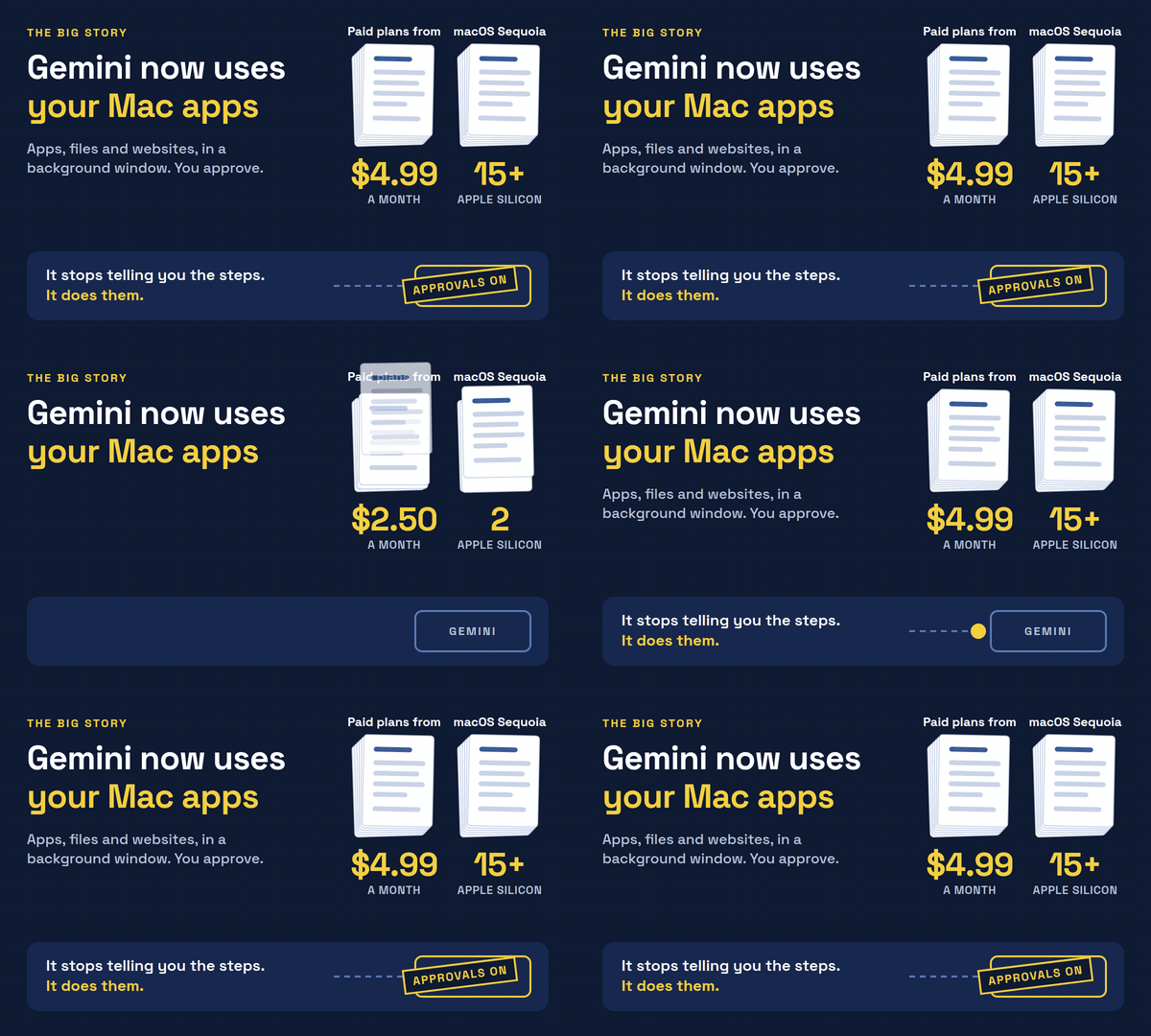
Plus Ideogram: a flyer or slide graphic with the words spelled right, from one prompt. AI Productivity Weekly · Nov 21, 2026 · 1 min read Gemini for Mac can now work your apps, files and websites in a background window. You pick the apps and approve key actions. Paid Google AI plans only (from $4.99/mo), US first. Our take: It stops explaining steps and does them. Start with a chore you'd happily redo, and keep approvals on. Sources: Google · MacRumors (pricing) · Download: gemini.google/mac...
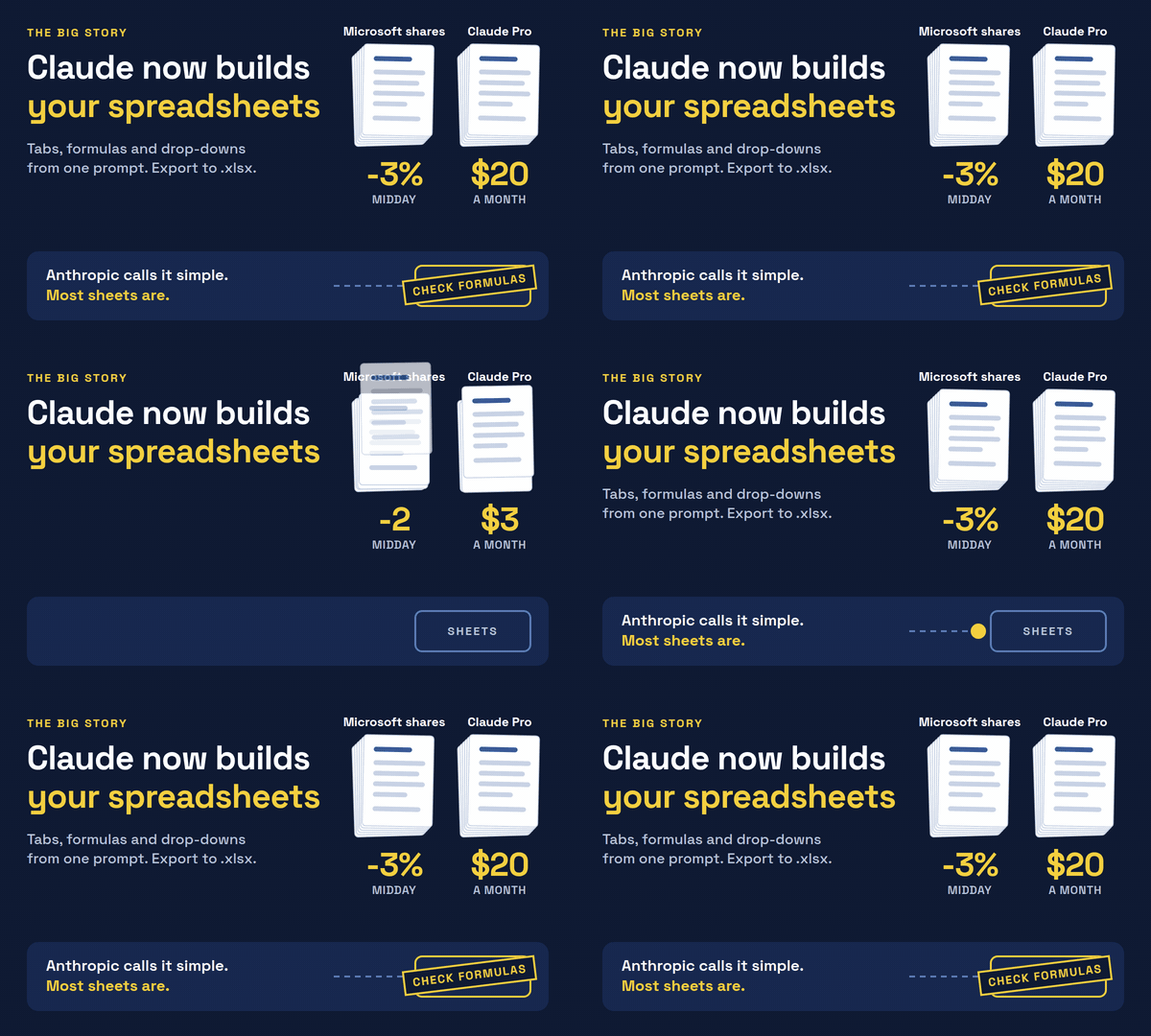
Claude Sheets builds a working sheet from one prompt. Plus: Quadratic does it on a free plan and exports to Excel. AI Productivity Weekly · Nov 14, 2026 · 1 min read Anthropic launched Claude Sheets in beta on all paid plans: a spreadsheet with tabs, formulas and drop-downs from one prompt, exportable as .xlsx. Anthropic calls it "simple." Microsoft shares still fell about 3% midday. Our take: Excel isn't going anywhere, but most office sheets are trackers, not models. Stop building the first...
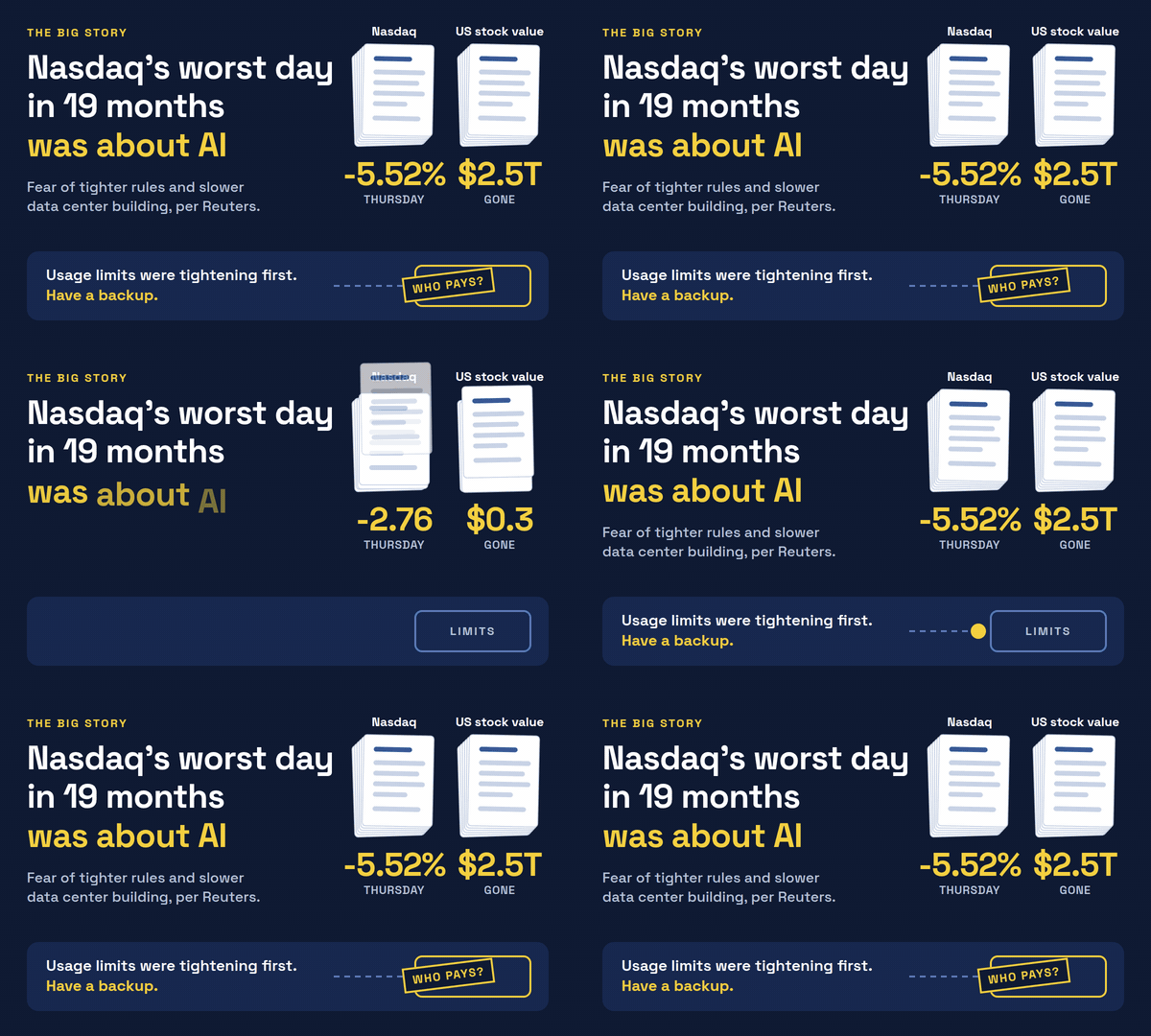
AI firms are already trimming usage limits. Plus: Piktochart turns a report into a one-page visual, free to try. AI Productivity Weekly · Nov 7, 2026 · 1 min read The Nasdaq fell 5.52% on Thursday, its worst day since April 2025, on fears of tighter AI rules. AI firms were already rationing usage: Grok cut limits, Anthropic limited some users, and OpenAI merges allowances next month. Our take: the stock swing may be a knee-jerk. The limits are not. Don't let your week depend on one chatbot's...