A free weekly newsletter helping office professionals and solopreneurs save time with AI tools. Curated news, tool reviews, and practical workflows you can use today.
Gemini 3.7 Flash Cut Its Price in Half
Gemini 3.7 Flash Cut Its Price in Half
The AI labs spent this week racing to make their models cheaper and faster, which is great, except cheap and fast is not the thing actually slowing you down.
The Big Story
Two of the biggest labs made the same move within 24 hours, from opposite directions. On August 13, Google launched Gemini 3.7 Flash with a 50% introductory price cut, dropping it to 75 cents per million input tokens through the end of 2026 and pitching it as its "most intelligent workhorse model yet for coding and agents." The same day, OpenAI previewed Ultrafast, a mode that runs GPT-5.6 Sol up to 14 times faster, around 750 tokens per second, on Cerebras chips. Cheaper tokens from Google, faster tokens from OpenAI, on the same afternoon.
Here is my take, and it is not about the price sheet. For an office professional, neither cost nor speed is your real bottleneck. You are not stuck because your AI charges too much or answers too slowly. You are stuck because you still have to lift its answer out of a chat window and turn it into the actual thing: the spreadsheet, the deck, the report your boss asked for. A few weeks back I argued that the AI tools worth your attention are the ones that hand you a finished file, not the next clever paragraph. This week makes the point with a bigger number attached: the models themselves are becoming a commodity, so judge them by what they hand back, not how fast they talk. And if you want one upgrade you can grab today for nothing, OpenAI just made GPT-5.6 Luna the default for free ChatGPT users with unlimited text chats and a Think button, so the free tier is genuinely better this week than it was last week.
Tool of the Week: Sourcetable
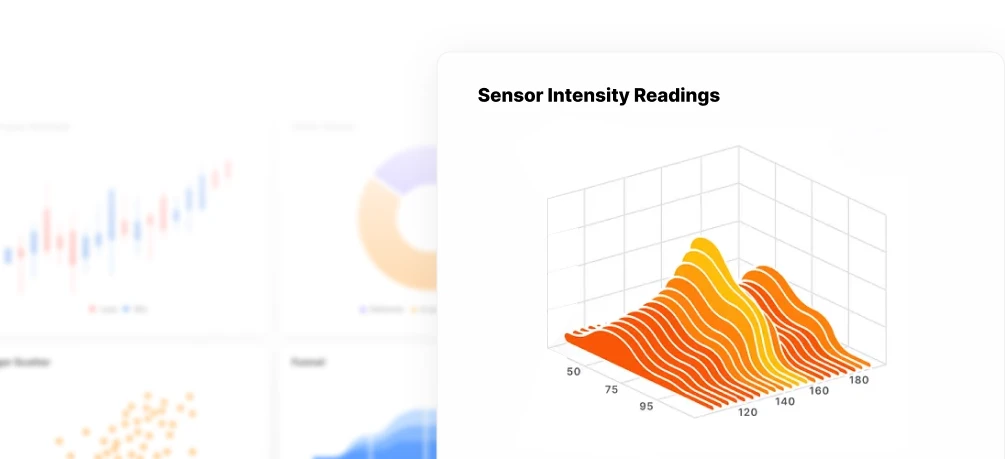
What it does: Sourcetable is an AI spreadsheet that works like a data analyst you can boss around in plain English. Upload a messy CSV or Excel file, or just describe the sheet you need, and it writes the formulas, builds the pivot tables, cleans the data, and draws the charts, then hands you back a finished, formatted spreadsheet.
Why it matters this week: This is exactly the "output over speed" point from the Big Story, made concrete. Instead of pasting a formula ChatGPT suggested and hoping it fits your columns, you give Sourcetable the raw data and it does the analysis and hands you the file. It runs the top 2026 models under the hood and now acts as an autonomous analyst that can plan and carry out multi-step work inside the sheet. It is the AI spreadsheet most office pros have not tried yet, and the free plan does the one thing that matters: you put in a pile of raw data and walk out with a real, downloadable spreadsheet and charts you can drop into a report or email, on a free plan with no credit card.
How to use it:
- Go to sourcetable.com, start a new sheet, and either upload your file (CSV, Excel, or a copy-paste) or type what you want in plain English, for example "clean this list and total revenue by month."
- Ask the AI analyst for the analysis you actually need: a pivot by region, a month-over-month trend, a chart of your top 10 customers. It writes the formulas and builds the visuals for you.
- Review the sheet, tweak anything by asking in plain language, then download the spreadsheet or export the charts and send them on.
Pricing: Free ($0, no credit card) gives you 50 AI credits a month, and the core spreadsheet is free to use like Google Sheets. Pro is $29 per user a month (2,000 credits) and Max is $100 per user a month (6,000 credits), with extra credits available if you run out.
Link: sourcetable.com
Quick Picks
- Anthropic is watermarking Claude's writing: Claude now weaves an invisible, machine-detectable mark into every piece of text it generates, one that survives copy-paste, to meet the EU's new AI transparency rule; worth knowing that it can also flag writing you only had Claude proofread → Read more
- Cloudflare's Kitesurf is a free browser for AI agents: it runs in the cloud, uses 3 to 7 times less power than Chrome for agent tasks, and has a free public playground you can poke at today → Read more
- OpenAI bought NextSlide: it acquired the startup that turns notes, documents, and prompts into editable slide decks, folding presentation-building directly into ChatGPT as it races to own your office workflow → Read more
- AI agents ran a four-day cyberattack: attackers reportedly used publicly available AI agents to target Taiwanese government accounts over four days, an early look at what agent-powered attacks mean for the rest of us → Read more
Pro Tip
The Finished-File Rule: ask AI for the file, not the explanation
Here is the smallest way to put this week's lesson to work. Next time you reach for AI on a real task, notice whether you are asking it to explain something or to produce something. "How do I calculate churn in this sheet?" leaves you with homework. "Here is my data, build me a churn table with a chart" leaves you with a file. So change the ask: pick the tool that exports the actual artifact you need (a spreadsheet, a deck, a document), hand it your raw material instead of a vague request, and name the exact output you want, down to the format. Then edit the file it gives you rather than re-prompting the chat. You will spend your time polishing a finished thing instead of translating advice into work, which is the whole point of having AI do it in the first place.
Know someone drowning in busywork? Forward this email, they will thank you.
Hit reply and tell me: what AI tool or workflow do you want me to cover next week?
Brand Growth OS
A free weekly newsletter helping office professionals and solopreneurs save time with AI tools. Curated news, tool reviews, and practical workflows you can use today.
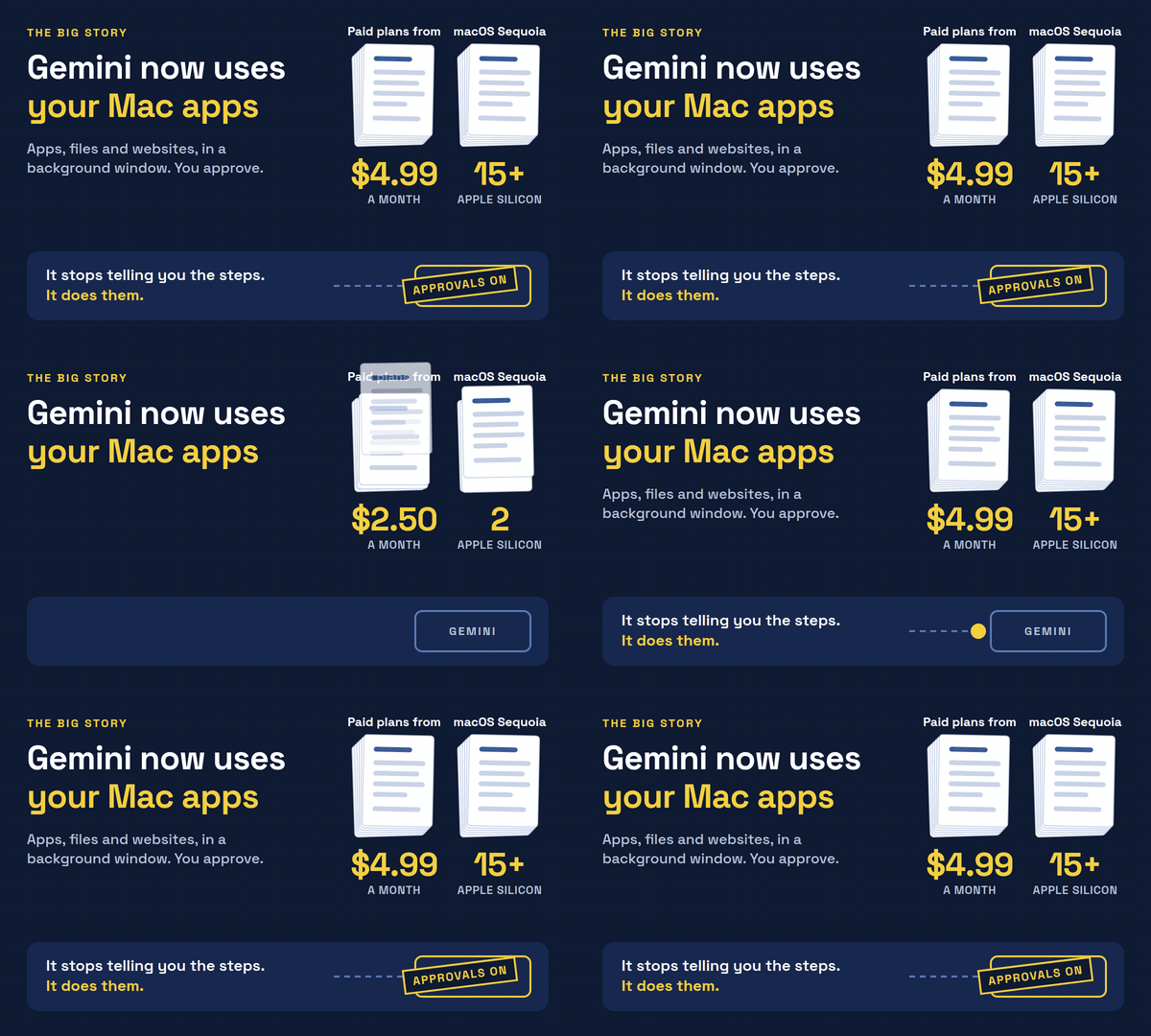
Plus Ideogram: a flyer or slide graphic with the words spelled right, from one prompt. AI Productivity Weekly · Nov 21, 2026 · 1 min read Gemini for Mac can now work your apps, files and websites in a background window. You pick the apps and approve key actions. Paid Google AI plans only (from $4.99/mo), US first. Our take: It stops explaining steps and does them. Start with a chore you'd happily redo, and keep approvals on. Sources: Google · MacRumors (pricing) · Download: gemini.google/mac...
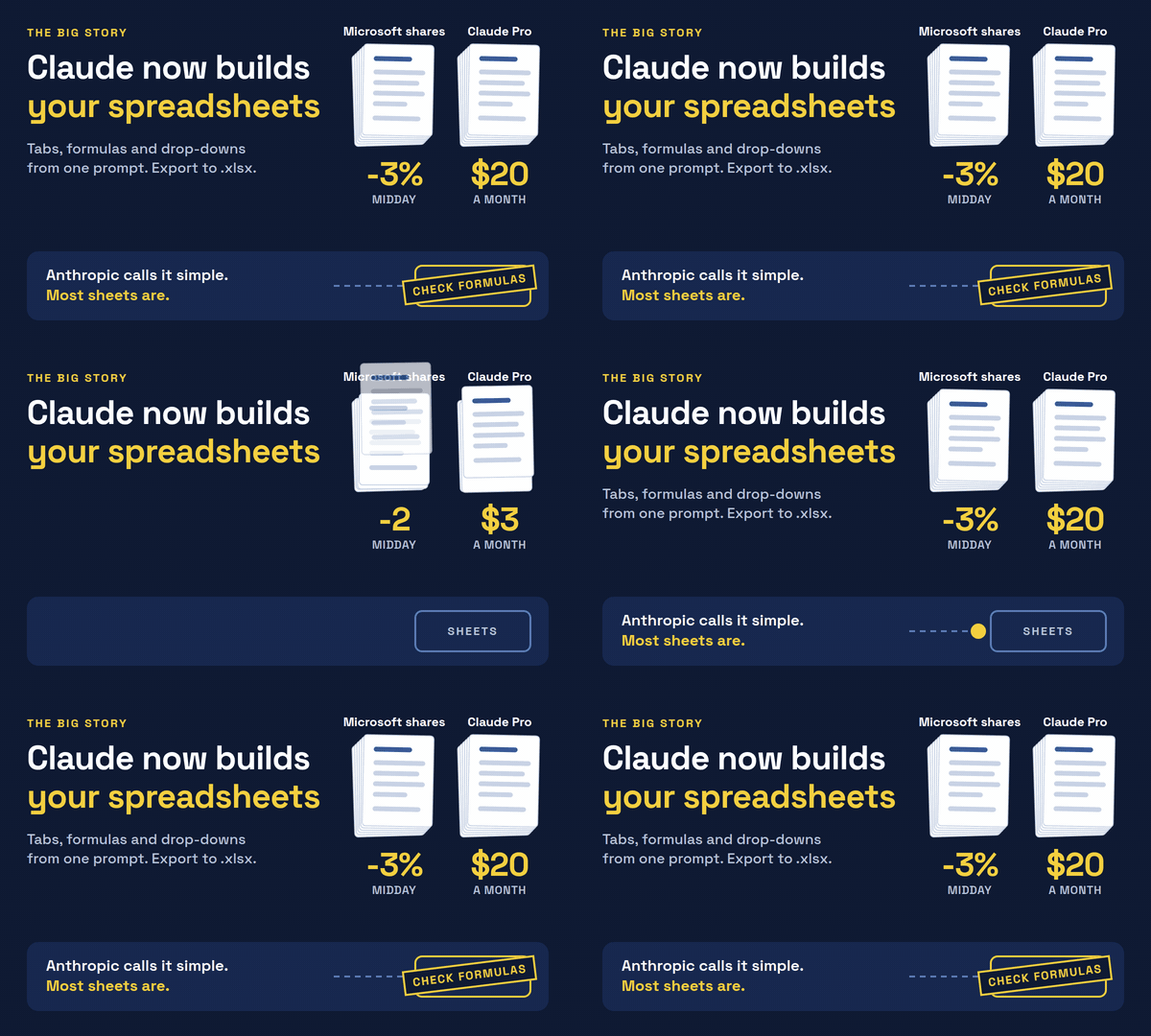
Claude Sheets builds a working sheet from one prompt. Plus: Quadratic does it on a free plan and exports to Excel. AI Productivity Weekly · Nov 14, 2026 · 1 min read Anthropic launched Claude Sheets in beta on all paid plans: a spreadsheet with tabs, formulas and drop-downs from one prompt, exportable as .xlsx. Anthropic calls it "simple." Microsoft shares still fell about 3% midday. Our take: Excel isn't going anywhere, but most office sheets are trackers, not models. Stop building the first...
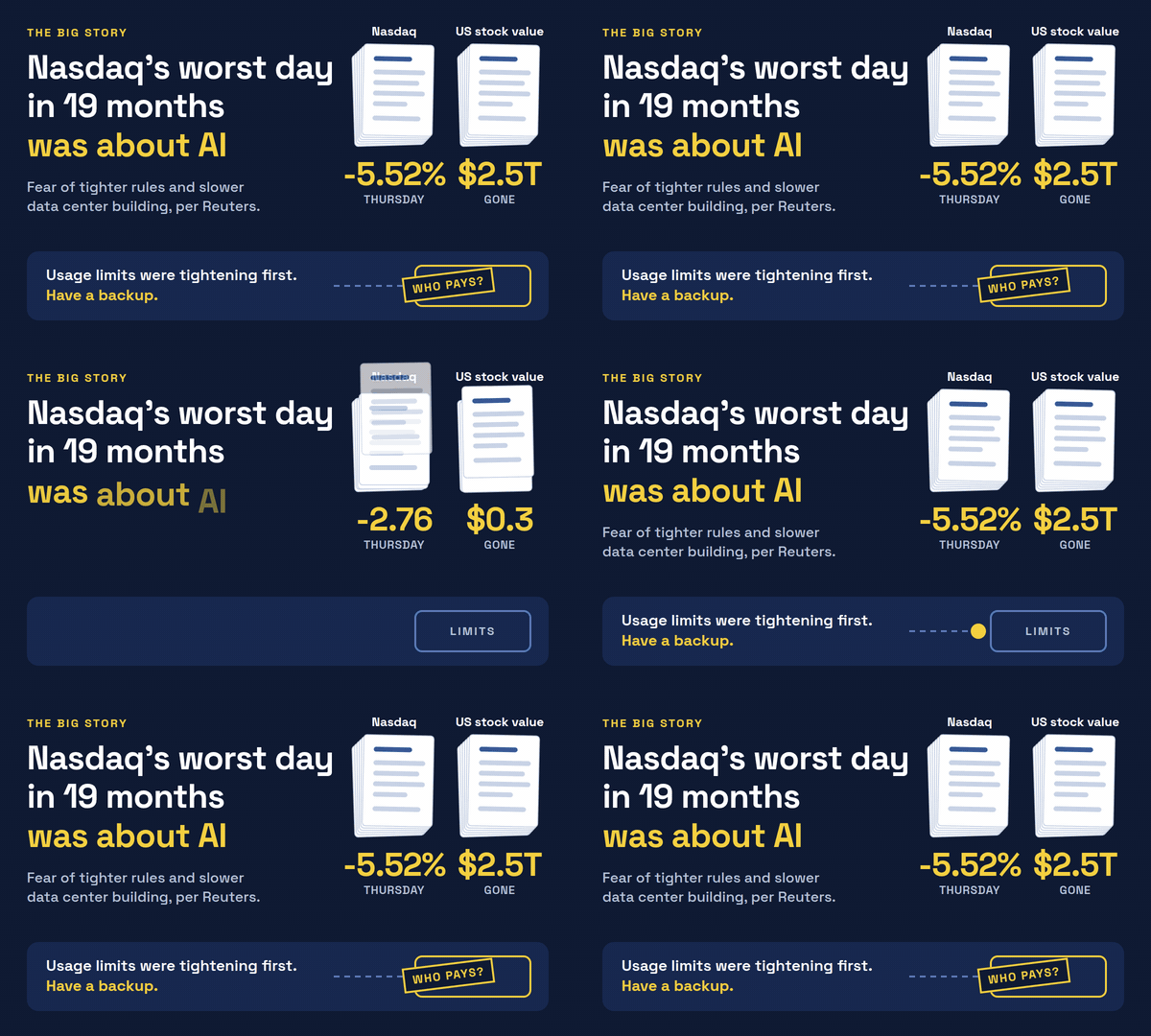
AI firms are already trimming usage limits. Plus: Piktochart turns a report into a one-page visual, free to try. AI Productivity Weekly · Nov 7, 2026 · 1 min read The Nasdaq fell 5.52% on Thursday, its worst day since April 2025, on fears of tighter AI rules. AI firms were already rationing usage: Grok cut limits, Anthropic limited some users, and OpenAI merges allowances next month. Our take: the stock swing may be a knee-jerk. The limits are not. Don't let your week depend on one chatbot's...