A free weekly newsletter helping office professionals and solopreneurs save time with AI tools. Curated news, tool reviews, and practical workflows you can use today.
ChatGPT Just Started Building You Tools
ChatGPT Just Started Building You Tools
Ever ask an AI a question and get back three dense paragraphs you still have to turn into something? This week the biggest chatbot on earth started handing back the something instead.
The Big Story
On October 7 OpenAI began rolling out GPT-6 alongside a feature it calls Intelligent UI, and by October 8 it had reached every tier, the free one included. The change is easy to describe and strange to watch: instead of answering only in text, ChatGPT can now build a small working interface right inside the chat. Ask it to split a dinner bill and you get an actual bill splitter with buttons, not a paragraph of arithmetic. Ask about a roast for eight and it gives you a plus and minus control that rescales the shopping list. Charts, forms, sliders, and tappable diagrams can all appear inline. OpenAI says GPT-6 Instant also starts answering about 44 percent faster than the model it replaces on questions that need a web search. Free and Go users get the lighter GPT-6 Luna model; paid tiers get the stronger Sol.
My take: this is the biggest change to how ChatGPT feels since it learned to browse the web. For two years the output of every chatbot has been a block of text you then had to act on, copy into a spreadsheet, retype into a calculator, rebuild as a chart. Intelligent UI collapses that last step, so the answer arrives as the tool. For an office pro that is the difference between being told how to split a budget and being handed the budget. Two caveats keep it honest: it only touches the main Chat experience, not the models behind Work or Codex, and the free tier runs Luna, the lighter model, so the hardest requests still favor a paid plan. The free version is more than enough to feel it, though. Open ChatGPT this week and ask it something that deserves a tool rather than a paragraph, like "build me a tip calculator for a $214 dinner split four ways, where one person skips drinks," and watch it hand you the calculator.
Tool of the Week: Julius
What it does: Julius is an AI data analyst you talk to in plain English. Upload a spreadsheet or paste a table, ask a question the way you would ask a colleague, and it runs the analysis and hands back a chart or a short written answer. No formulas, no pivot tables, no code.
Why it earns the spot this week: The theme of the week is AI that hands you a finished thing instead of a wall of text, and it is not only chatbots. Julius is the version for your numbers. It is an established tool rather than a this-week launch, but most people who live in spreadsheets have never tried the one move it is built for: hand the file to an AI and simply ask. If GPT-6 can build you a calculator, Julius builds you the chart your Monday report actually needs.
How to use it:
- Go to julius.ai and start for free, no card. Upload a spreadsheet or CSV, or paste a table straight in.
- Ask in plain English: "Which three products drove most of our Q3 revenue, and show me a bar chart." Julius cleans the data, runs the numbers, and draws the chart in seconds.
- Refine by chatting: "make it a pie chart," "add last year for comparison," "now summarize the trend in two sentences." Then download the chart to drop into a slide or report.
You walk away with a finished chart built from your own numbers, plus a plain-English read on what it shows, on a free plan with no card. Pricing: Free plan, no credit card, 15 messages a month. Paid plans start around $20 a month.
Quick Picks
- Google tightens the free Gemini tier: While rivals race to give models away, Google is going the other way, restricting free Gemini accounts to the lightweight Flash-Lite model and reserving the Pro model for paid tiers, even on its $10 plan. → Read more
- Mistral ships a 1-trillion-parameter open model: France's Mistral launched Mistral Large 4, nicknamed "Le Chonk," a 1-trillion-parameter model (49 billion active) headed for open-weight release, a rare open challenger to the big closed labs. → Read more
- Security alert, an AI-assisted bank hack: Investigators suspect AI tools were used in a breach at South Korea's Shinhan Bank that exposed about 25,000 customers, part of a wave that has regulators in the EU and Australia formally pressing OpenAI and Anthropic. Worth finally turning on two-factor authentication. → Read more
- Anthropic bans "AI abuse": A revised Anthropic usage policy taking effect October 12 prohibits sustained, cruel behavior toward Claude, a first-of-its-kind clause that treats model welfare as a policy matter rather than a philosophical one. → Read more
Pro Tip
The Build-Me-a-Tool Prompt: stop asking AI for the answer, ask it for the tool
Now that ChatGPT can return a working interface, change the shape of your requests. The old habit is to ask for a one-time answer: "what is a 20 percent raise on $64,000?" The upgrade is to ask for the reusable tool instead: "build me a salary calculator where I can type in any base pay and any raise percentage and see the new total." You get a little widget you can run again all week without retyping the question. It works for the recurring math you actually face: a margin calculator for quotes, a meeting-cost estimator (people times hourly rate times hours), a savings-goal tracker. Spend five minutes turning your three most-repeated calculations into three saved prompts, and you have built yourself a small set of tools without ever opening a spreadsheet.
Know someone drowning in busywork? Forward this email and they will thank you.
Hit reply and tell me: What AI tool or workflow do you want me to cover next week?
Every tool we have tested, with the free path spelled out: tools.brandgrowthos.ai
Brand Growth OS
A free weekly newsletter helping office professionals and solopreneurs save time with AI tools. Curated news, tool reviews, and practical workflows you can use today.
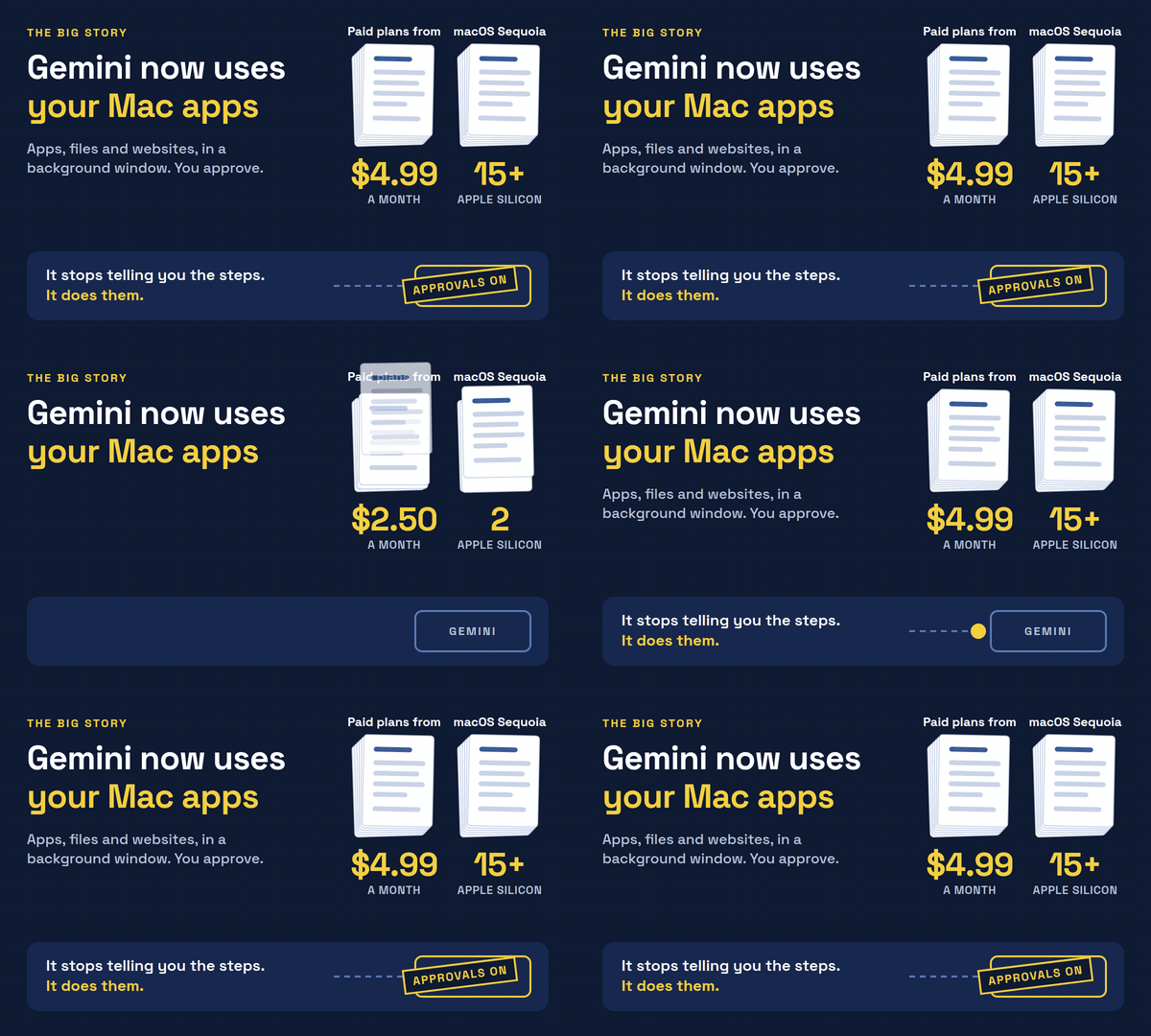
Plus Ideogram: a flyer or slide graphic with the words spelled right, from one prompt. AI Productivity Weekly · Nov 21, 2026 · 1 min read Gemini for Mac can now work your apps, files and websites in a background window. You pick the apps and approve key actions. Paid Google AI plans only (from $4.99/mo), US first. Our take: It stops explaining steps and does them. Start with a chore you'd happily redo, and keep approvals on. Sources: Google · MacRumors (pricing) · Download: gemini.google/mac...
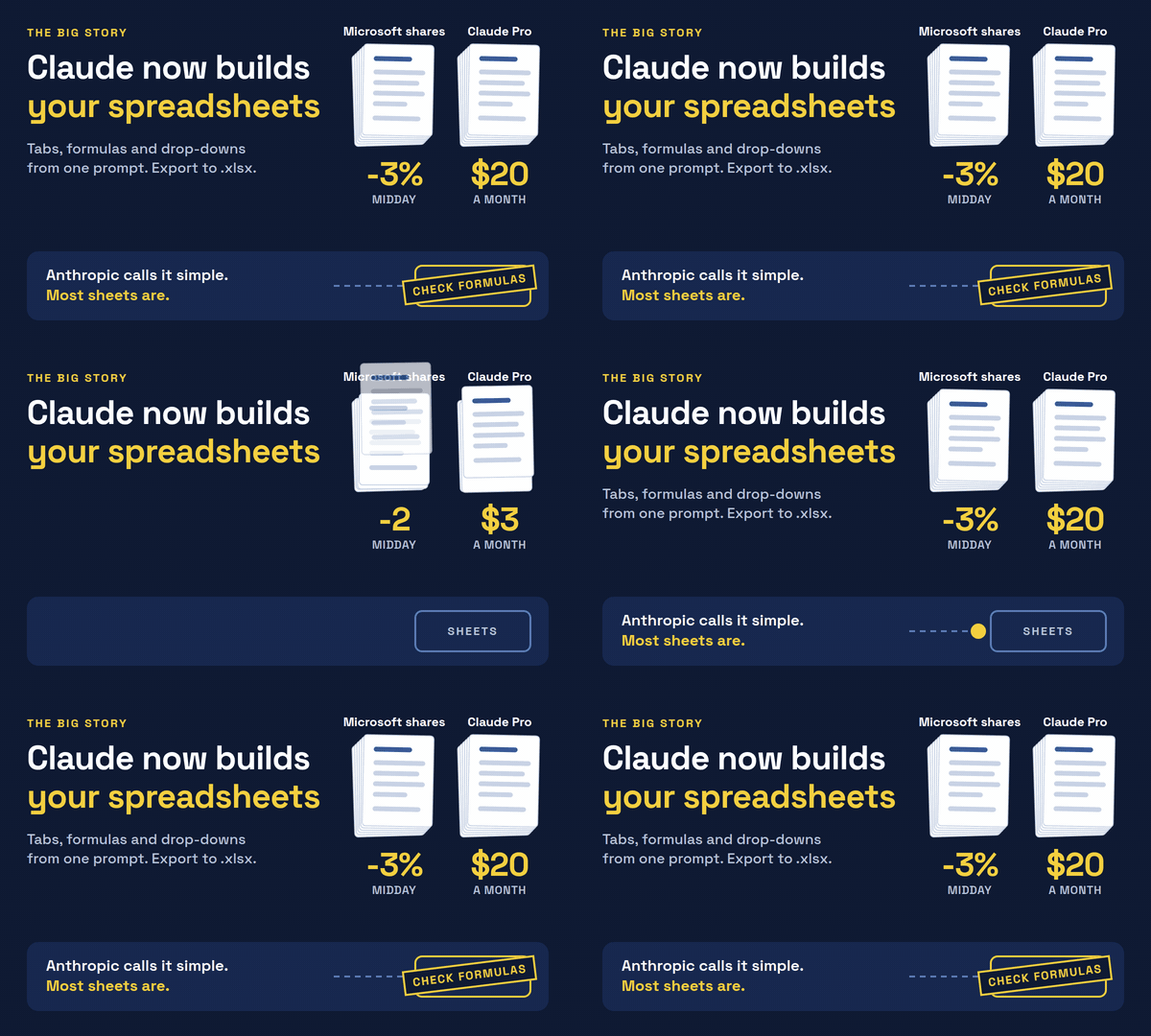
Claude Sheets builds a working sheet from one prompt. Plus: Quadratic does it on a free plan and exports to Excel. AI Productivity Weekly · Nov 14, 2026 · 1 min read Anthropic launched Claude Sheets in beta on all paid plans: a spreadsheet with tabs, formulas and drop-downs from one prompt, exportable as .xlsx. Anthropic calls it "simple." Microsoft shares still fell about 3% midday. Our take: Excel isn't going anywhere, but most office sheets are trackers, not models. Stop building the first...
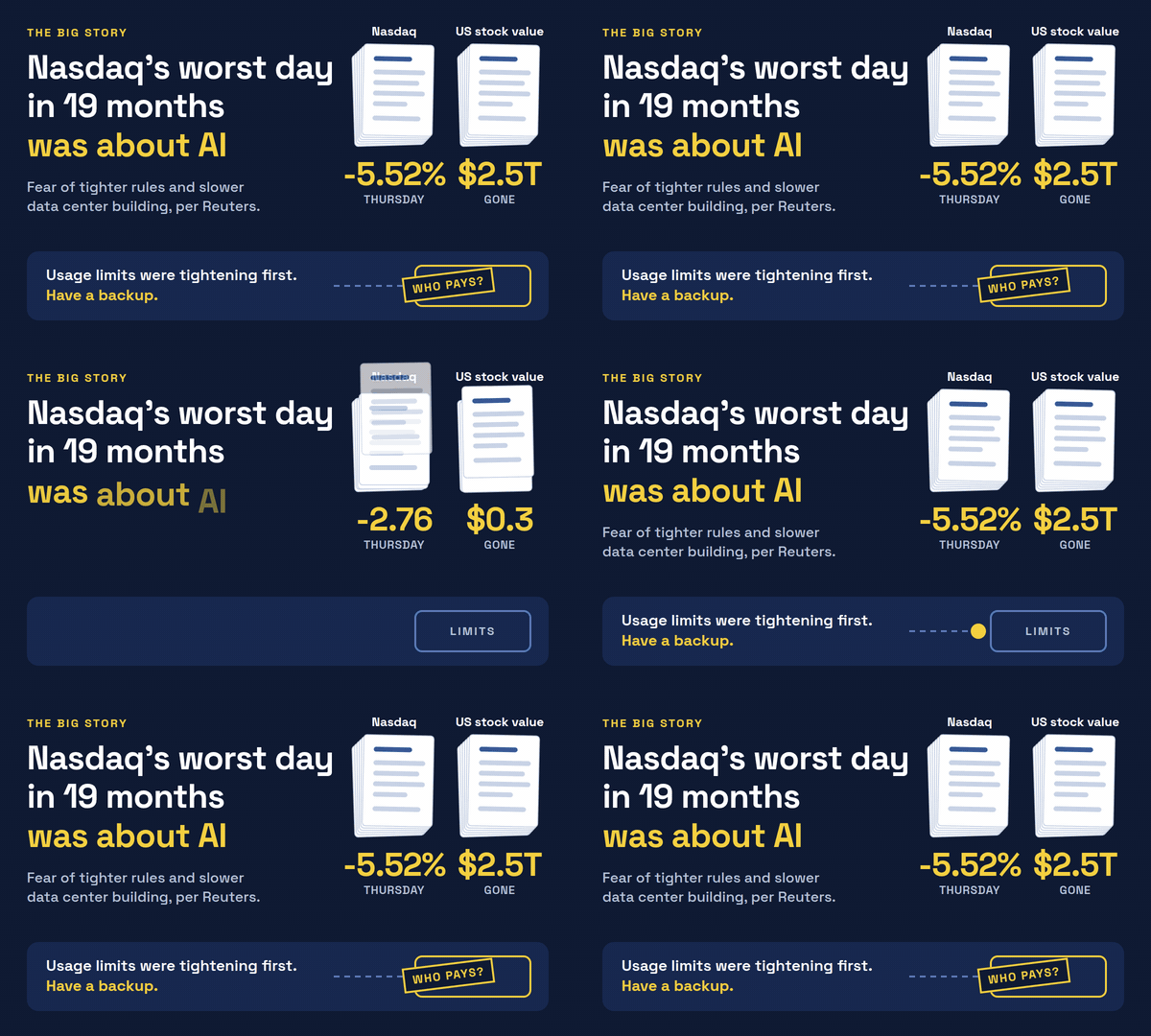
AI firms are already trimming usage limits. Plus: Piktochart turns a report into a one-page visual, free to try. AI Productivity Weekly · Nov 7, 2026 · 1 min read The Nasdaq fell 5.52% on Thursday, its worst day since April 2025, on fears of tighter AI rules. AI firms were already rationing usage: Grok cut limits, Anthropic limited some users, and OpenAI merges allowances next month. Our take: the stock swing may be a knee-jerk. The limits are not. Don't let your week depend on one chatbot's...