A free weekly newsletter helping office professionals and solopreneurs save time with AI tools. Curated news, tool reviews, and practical workflows you can use today.
Is Canva AI 2.0 Your New Hire?
Is Canva AI 2.0 Your New Hire?This week, Canva tried to turn every marketer into a creative director, Anthropic quietly retook the model crown, and Fathom stopped sending a bot to your meetings. The Big StoryCanva just bet the company on agentic design. On Wednesday, at Canva Create 2026 in Los Angeles, the company unveiled Canva AI 2.0, its biggest product shift since the browser launched in 2013. Type a sentence, get a fully editable layout. Ask it to build a brand campaign, and it orchestrates across slides, social posts, videos, and docs, pulling from a new "Memory Library" that remembers your brand styles, tone, and past work. It also plugs into Gmail, Slack, and Zoom so it can pull context you've already written. The research preview opened to one million users on launch day. Pricing runs from free (basic AI plus a few premium credits) up to a $100/month "almost all-you-can-eat" tier, with a separate AI Pass add-on for heavier workloads (Fortune, SiliconANGLE). My take: Every other "AI design" tool to date has been a feature bolted onto an editor. Canva is reframing design as an agent problem, which is the same shift ChatGPT made for writing three years ago. If you're a solopreneur who already pays $12.99/month for Canva Pro, you're about to get a small creative agency inside your browser. If you're in a marketing team, expect the first round of "why do we need a junior designer?" conversations within the next quarter. The real test: does the Memory Library actually keep your brand consistent across a dozen asset types, or does it drift like every other "learn my style" feature before it? We'll report back in six weeks once real users have stress-tested it. Tool of the Week: Fathom
What it does: Fathom joins your Zoom, Google Meet, or Teams call, transcribes it, and spits out a timestamped summary with action items you can paste into Slack or a doc. As of this week, it can now capture meetings without a bot joining the call at all. Why it matters this week: On Tuesday, Fathom shipped its biggest update since launch: bot-free capture. Most AI note-takers add an awkward "Fathom Notetaker has joined" participant to your meeting, which clients and executives visibly dislike. Fathom now lets you choose, meeting by meeting, between bot-free transcription, bot-free audio capture, or the traditional bot. It also added a desktop app, live in-meeting summaries, and the ability to point "Ask Fathom" conversational search across every call you've ever recorded. It's a direct shot at Granola, which pioneered the bot-free approach (TechCrunch). 
How to use it:
Pricing: Free plan includes unlimited recordings and full transcripts, capped at 5 AI-summarized calls per month. Premium is $20/month ($16 billed annually) for unlimited summaries. Team is $19/user/month, and Business is $34/user/month with CRM sync (Fathom pricing). Quick Picks
Pro TipHow to turn your three most-used AI prompts into one-click shortcuts If you find yourself pasting the same prompt into ChatGPT, Claude, or Gemini five times a week ("summarize this in three bullets and flag any risks", "rewrite this email more concisely", "extract every number and date from this doc"), you're leaving time on the table. Open a note in Apple Notes, Notion, or whatever you live in. Label it "My AI Shortcuts." Paste your three most-used prompts at the top, one per line, each on its own labeled heading. Pin the note so it's one tap away. If you're on Chrome desktop, go one better: type your prompt into Gemini in Chrome, click the "+" to save it as a Skill, and it becomes a slash command you can trigger on any webpage. Either way, you eliminate the 20 seconds of re-typing and the slight friction that stops you from using AI on the small tasks. Small tasks are where most of your time actually goes. Know someone drowning in busywork? Forward this email. They'll thank you. Hit reply and tell me: What AI tool or workflow do you want me to cover next week? |
Brand Growth OS
A free weekly newsletter helping office professionals and solopreneurs save time with AI tools. Curated news, tool reviews, and practical workflows you can use today.
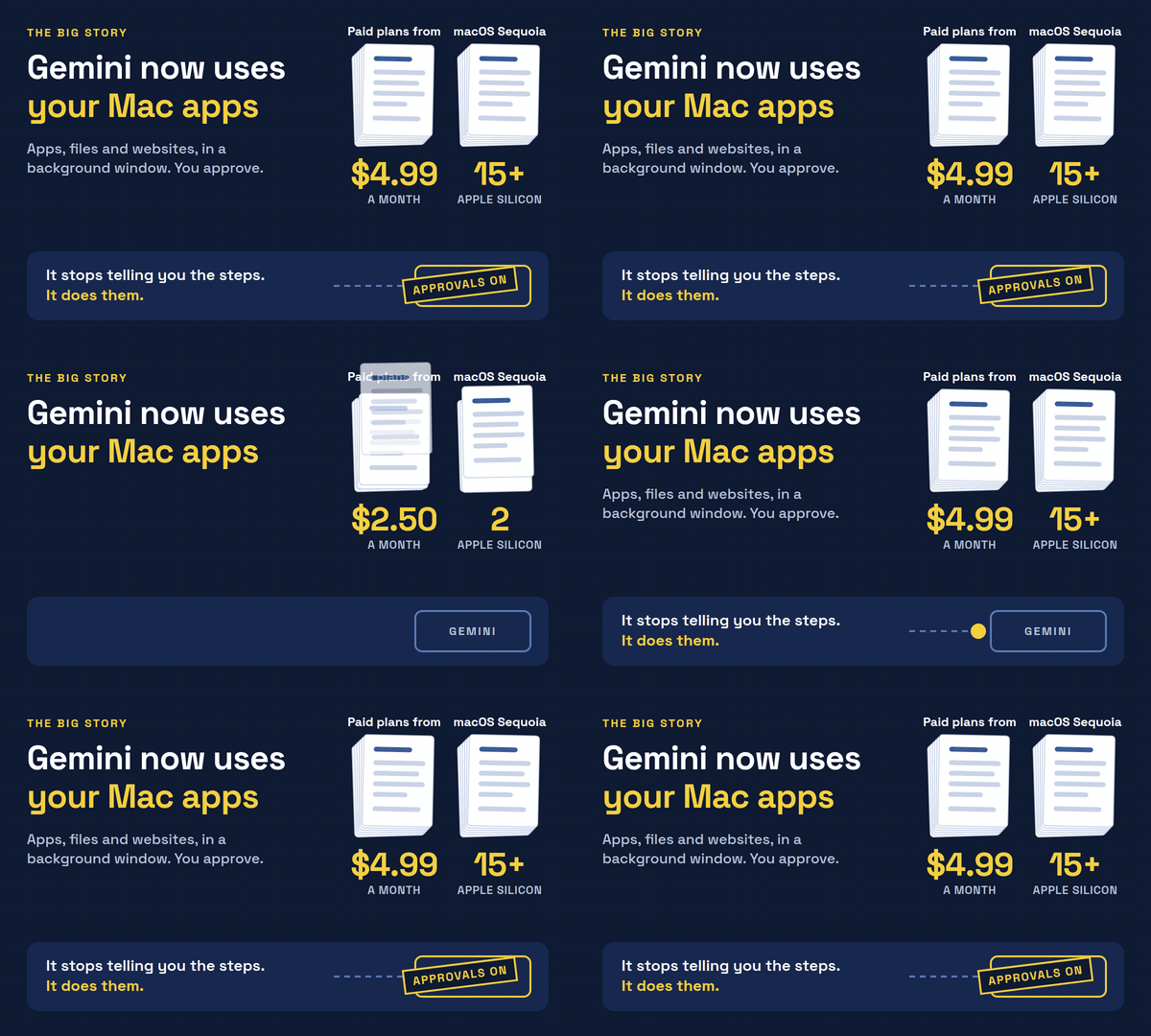
Plus Ideogram: a flyer or slide graphic with the words spelled right, from one prompt. AI Productivity Weekly · Nov 21, 2026 · 1 min read Gemini for Mac can now work your apps, files and websites in a background window. You pick the apps and approve key actions. Paid Google AI plans only (from $4.99/mo), US first. Our take: It stops explaining steps and does them. Start with a chore you'd happily redo, and keep approvals on. Sources: Google · MacRumors (pricing) · Download: gemini.google/mac...
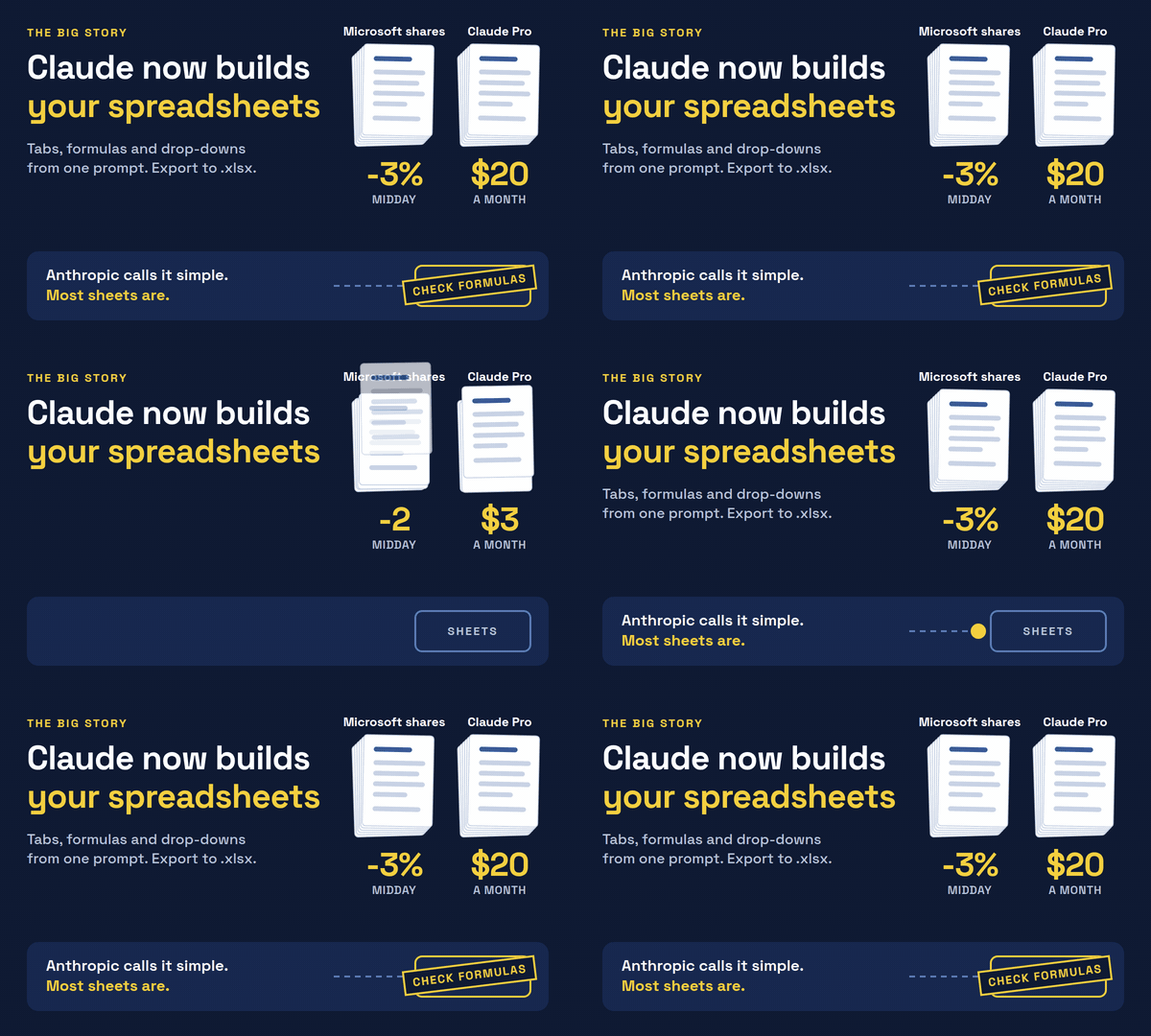
Claude Sheets builds a working sheet from one prompt. Plus: Quadratic does it on a free plan and exports to Excel. AI Productivity Weekly · Nov 14, 2026 · 1 min read Anthropic launched Claude Sheets in beta on all paid plans: a spreadsheet with tabs, formulas and drop-downs from one prompt, exportable as .xlsx. Anthropic calls it "simple." Microsoft shares still fell about 3% midday. Our take: Excel isn't going anywhere, but most office sheets are trackers, not models. Stop building the first...
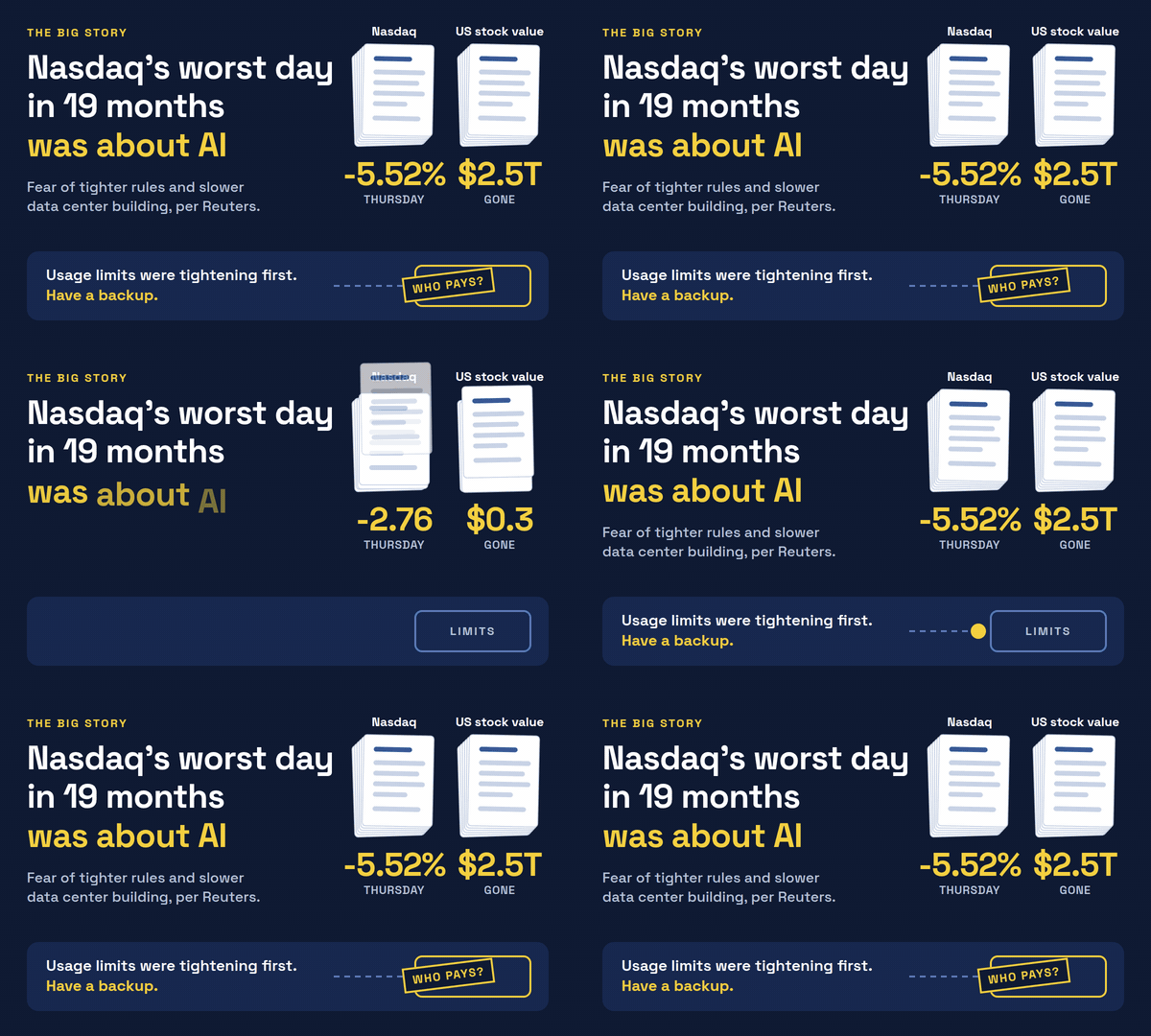
AI firms are already trimming usage limits. Plus: Piktochart turns a report into a one-page visual, free to try. AI Productivity Weekly · Nov 7, 2026 · 1 min read The Nasdaq fell 5.52% on Thursday, its worst day since April 2025, on fears of tighter AI rules. AI firms were already rationing usage: Grok cut limits, Anthropic limited some users, and OpenAI merges allowances next month. Our take: the stock swing may be a knee-jerk. The limits are not. Don't let your week depend on one chatbot's...